What are Hikvision DS-K1T time clocks?
Besides video surveillance, Hikvision makes time and attendance and access control terminals, whose model numbers start with DS-K1T. The suffix tells you what the terminal reads: M for Mifare card, F for fingerprint, W for Wi-Fi.
So a DS-K1T320MFWX reads cards and fingerprints and connects over Wi-Fi.
What are the Hikvision time clock series?
| Series | Models | Use |
|---|---|---|
| Value (MinMoe) | DS-K1T342MFWX, DS-K1T343MFWX, DS-K1T344MX-E1 | Face with card, fingerprint depending on suffix; offices, shops, exposed entrances for the 344 |
| Value, entry level | DS-K1T320MFWX | Small screen, small team |
| Pro (MinMoe) | DS-K1T642MFW, DS-K1T671 | Large workforces, main entrance, IP65 housing for the 671 |
| Pro, fingerprint | DS-K1T804AMF | Fingerprint and card, no face |
| Fingerprint time clock | DS-K1A8503EF | Entry-level fingerprint and card |
Value (MinMoe)
- Models
- DS-K1T342MFWX, DS-K1T343MFWX, DS-K1T344MX-E1
- Use
- Face with card, fingerprint depending on suffix; offices, shops, exposed entrances for the 344
Value, entry level
- Models
- DS-K1T320MFWX
- Use
- Small screen, small team
Pro (MinMoe)
- Models
- DS-K1T642MFW, DS-K1T671
- Use
- Large workforces, main entrance, IP65 housing for the 671
Pro, fingerprint
- Models
- DS-K1T804AMF
- Use
- Fingerprint and card, no face
Fingerprint time clock
- Models
- DS-K1A8503EF
- Use
- Entry-level fingerprint and card
The most common Hikvision series for time and attendance.
Hikvision time clocks in the catalog
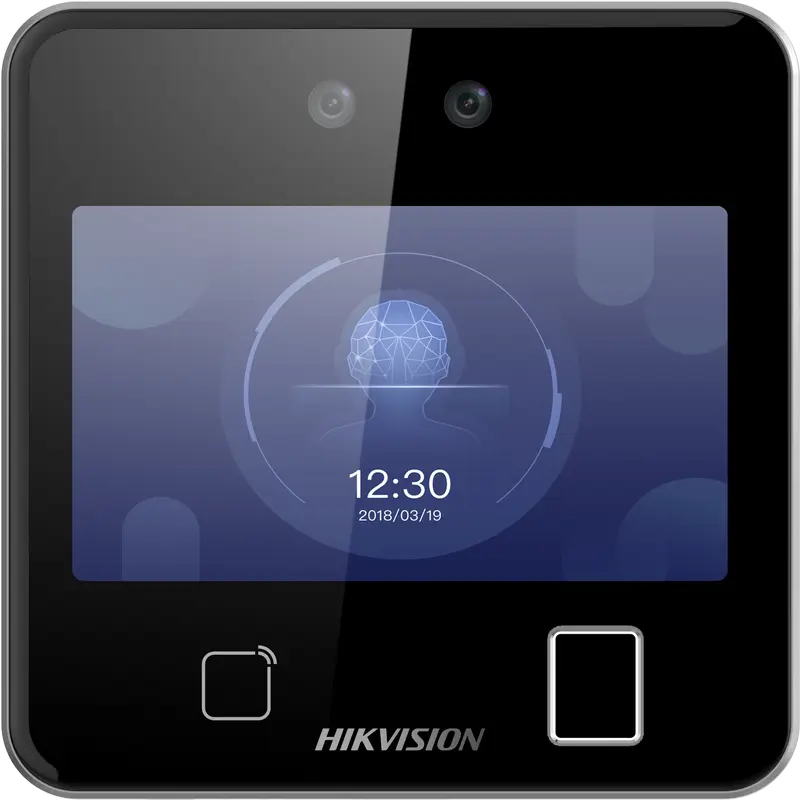
Hikvision
DS-K1T642MFW
Square facial recognition terminal (up to 3 m) with fingerprint, Mifare card and Wi-Fi: for receptions, offices and shops.
- Visage
- Empreinte
- Badge
- QR code
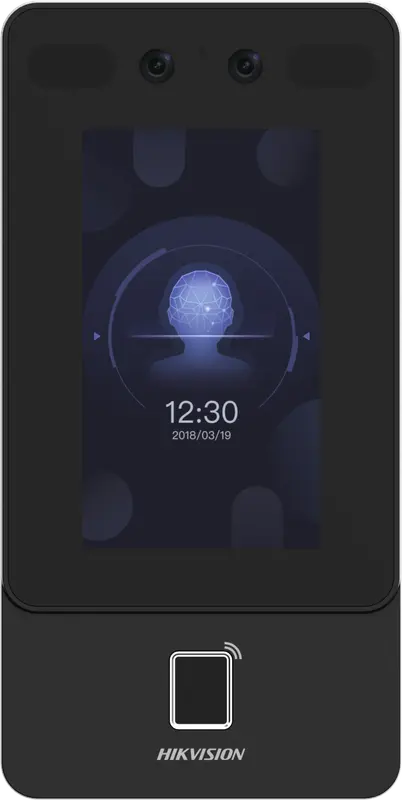
Hikvision
DS-K1T342MFWX
Vertical wall terminal: face (masks included), fingerprint and Mifare card, over Ethernet or Wi-Fi, from -30 °C to 60 °C.
- Visage
- Empreinte
- Badge
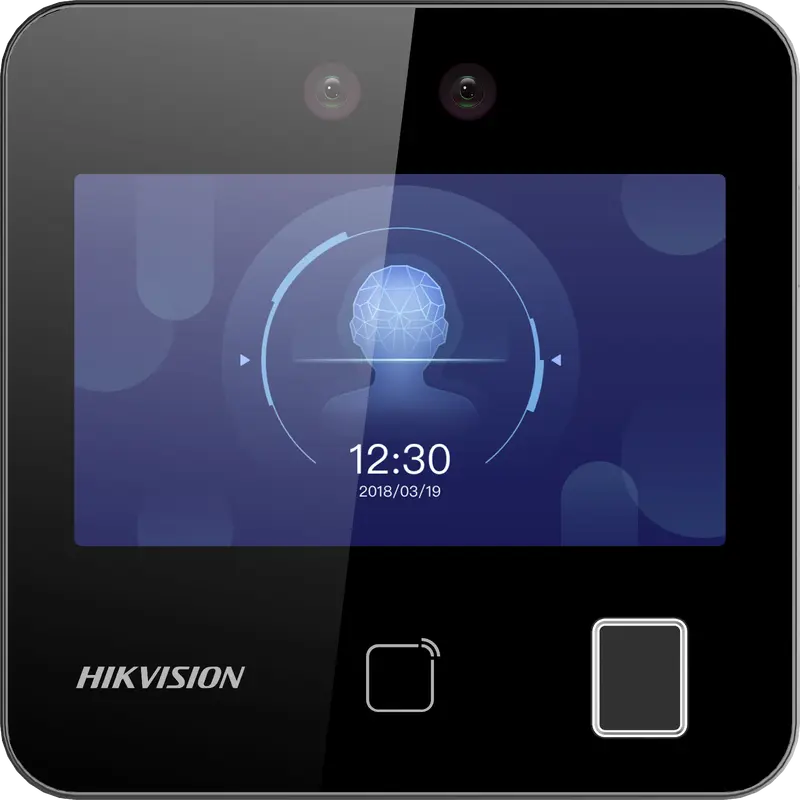
Hikvision
DS-K1T343MFWX
Compact square terminal: face, fingerprint and Mifare card, Ethernet or Wi-Fi. The Hikvision model we have actually connected.
- Visage
- Empreinte
- Badge
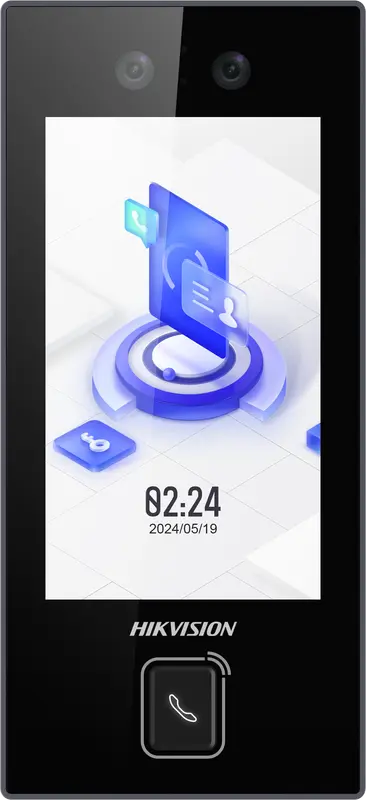
Hikvision
DS-K1T344MX-E1
IP65 PoE-powered face terminal with Mifare card, PIN code and QR code: for exposed entrances, from -30 °C to 60 °C.
- Visage
- Badge
- Code
- QR code
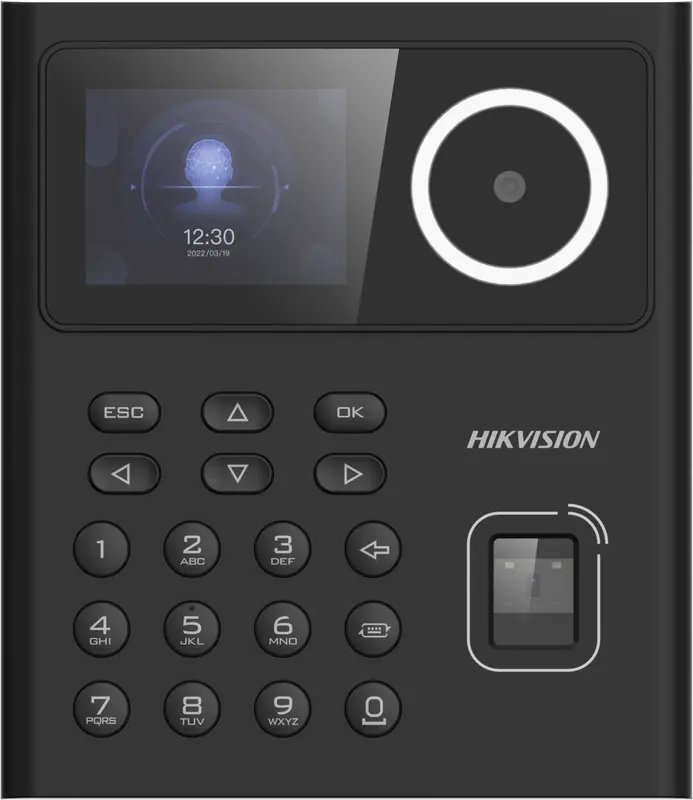
Hikvision
DS-K1T320MFWX
Small entry-level face terminal, 2.4-inch screen, with fingerprint, Mifare card, PIN code and Wi-Fi: for small teams.
- Visage
- Empreinte
- Badge
- Code
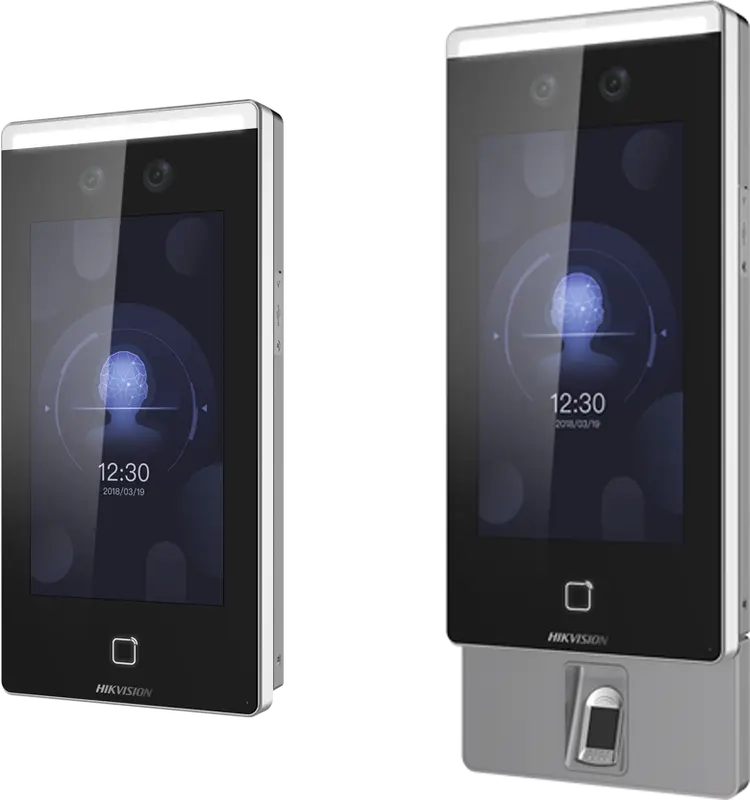
Hikvision
DS-K1T671
Large face terminal with a 7-inch screen, IP65, fingerprint and card: for busy entrances and very cold or hot sites.
- Visage
- Empreinte
- Badge
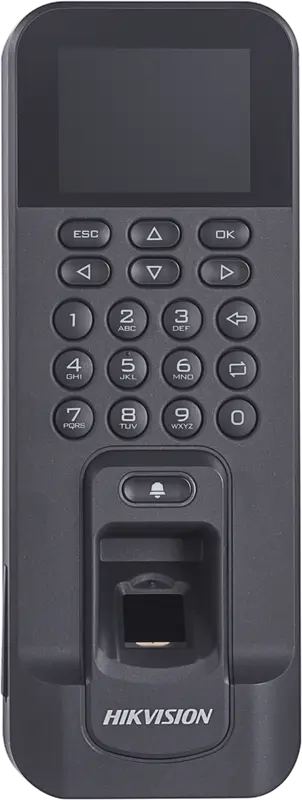
Hikvision
DS-K1T804AMF
Slim fingerprint and Mifare card reader, over Ethernet or Wi-Fi: for an office door or a restricted-access room.
- Empreinte
- Badge
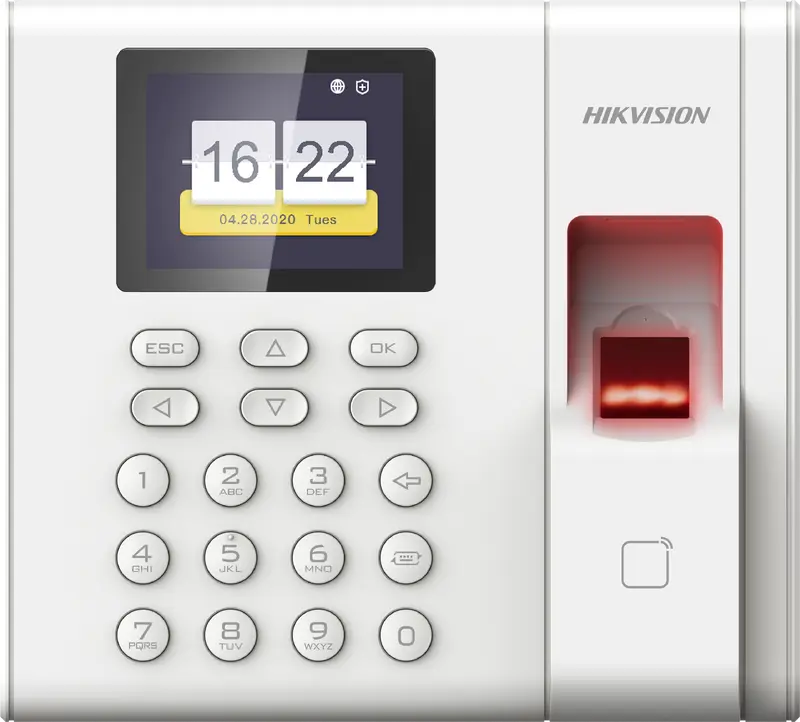
Hikvision
DS-K1A8503EF
Entry-level fingerprint and card time clock built for attendance only: 1,000 employees, USB export, Ethernet network.
- Empreinte
- Badge
How do Hikvision punches reach TEMPO?
The terminal sends each passage to TEMPO itself, over HTTPS, within a second. No port needs opening for punches: it goes out to the internet like a browser.
Only successful passages (face, fingerprint or card recognized) become punches.
What can you do on a Hikvision time clock from TEMPO?
Everything is done from the employee’s record, without going to the terminal.
Send the face photo
The photo from the employee’s record is sent to the terminal.
Capture a fingerprint
On fingerprint models, the employee places a finger when TEMPO asks.
Enroll cards
The card on the record is registered on the terminal.
Take over existing users
People already enrolled are matched to employees, with no re-enrollment.
Remove leavers
An employee who leaves the company is removed from the terminals.
Which Hikvision time clock should you choose?
- Office or shop: DS-K1T343MFWX, compact, face, fingerprint and card.
- Vertical format: DS-K1T342MFWX, for a corridor or a poorly heated entrance.
- Exposed entrance: DS-K1T344MX-E1, IP65 weatherproof and PoE.
- Larger site: DS-K1T642MFW, Pro series.
On choosing biometrics, read the guide biometric time tracking and the CNDP.
How do you set up a Hikvision time clock with TEMPO?
- 1
Note the serial number
On the label or in the web interface.
- 2
Set up the network
Fixed IP address and internet access over HTTPS.
- 3
Register the terminal
In the Time clocks menu, which gives the address to send punches to.
- 4
Configure HTTP listening
Copy that address into the terminal’s interface.
- 5
Check
Make a punch: it appears in TEMPO within a second.
On the same topic
- Hikvision software Online attendance software for Hikvision time clocks: punches received in real time with no open port, faces, badges and fingerprints managed remotely.
- Connecting a Hikvision Set up a Hikvision time clock: IP, DNS, HTTP Listening, time zone, ISAPI account, adding it in TEMPO. Step by step, with troubleshooting.
- Facial recognition ZKTeco or Hikvision facial time clock: how it works, masks, anti-fraud, lighting, hygiene, CNDP and the software to run it in Morocco.
- Installation Install a time clock in Morocco: location, number of terminals, network, VPN or restricted port, time and enrollment with TEMPO.
- Compatibility Is your time clock compatible with TEMPO? Brands, protocols, tested models, what to check, bringing over your data.
Questions fréquentes
Which software should I use with a Hikvision time clock in Morocco?
You can use TEMPO, an online HRIS whose time and attendance module receives punches from Hikvision DS-K1T terminals in real time. No software is installed on a computer at the site. TEMPO attaches each punch to the employee, calculates it against their schedule and feeds reports, anomalies and payroll preparation.
Do I need to open a port for a Hikvision time clock?
Not for punches: the terminal sends them to TEMPO over HTTPS itself, like a browser. To enroll employees from TEMPO, the terminal is made reachable through a site VPN or a port open only to TEMPO’s addresses. We give you the settings at installation.
Is the DS-K1T342MFWX compatible with TEMPO?
Yes. The DS-K1T342MFWX sends its punches to TEMPO in real time, and TEMPO can enroll employees on it with their photo, card and fingerprints. It belongs to the same Value series as the DS-K1T343MFWX. We can supply and install it, or connect the one you already have.
Is a Wi-Fi Hikvision time clock suitable?
Yes, models with the W suffix connect over Wi-Fi and send their punches the same way. An Ethernet cable stays more reliable where you can run one. If a transmission is lost, the terminal keeps the event in memory and TEMPO collects it afterwards, with no duplicate.