What makes time tracking hard in restaurants?
A restaurant does not work a continuous day: lunch service then dinner, closing at 1 am, Saturday extras, a hotel reception open 24 hours a day.
Standard software pays the break as work or splits the dinner service in two at midnight. TEMPO handles these cases with settings, not manual corrections.
How do you track a split shift?
A TEMPO shift can have several slots, for example 11:00 – 15:00 and 18:30 – 23:00. The employee punches four times, and only the time between a clock-in and the next clock-out counts: the break is not paid.
Example: slots 9:00 – 14:00 and 15:00 – 20:30, punches at 9:00, 14:02, 14:58 and 20:30. Result: 10 h 34 worked, 10 h 30 normal and 4 minutes of overtime at 25%.
What happens when a service ends after midnight?
The service stays attached to the day it started: the 0:40 clock-out counts for the previous day’s service.
Overtime after 9 pm is night overtime, paid at a premium under article 201 of the Labour Code. A service scheduled in the evening is still paid as normal hours.
How do you manage extras and seasonal staff?
Contracts
The Contracts module tracks fixed-term, seasonal, temporary and internship contracts, with their end dates.
Employee import
An Excel list creates the extras for a season or an event in one go.
Clocking in from a phone
An extra clocks in from their phone, within the venue’s perimeter.
Enrollment from TEMPO
You send the employee to the time clock when they arrive and remove them when they leave.
How do you schedule a hotel that runs 24 hours a day?
With work cycles for continuous posts (reception, security, night watch) and the schedule grid for services that vary. For the restaurant, the schedule generator starts from opening hours and minimum staffing.
The published schedule shows on each employee’s phone. Worked public holidays are paid at public holiday rates.
Which time clock for a kitchen or restaurant?
In a kitchen, hands are wet or gloved: a facial recognition time clock is often more reliable and more hygienic than a fingerprint one. Place it at the staff entrance.
For a café or a small restaurant, clocking in from a phone is enough.
Face time clocks for the staff entrance
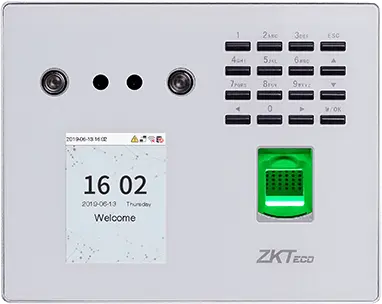
ZKTeco
MB560-VL
Visible-light face, fingerprint and keypad time clock, successor to the MB160 and MB360 for office and retail sites.
- Visage
- Empreinte
- Badge
- Code
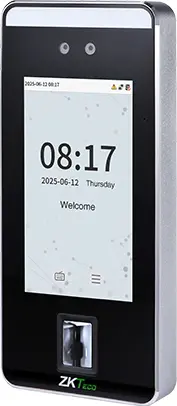
ZKTeco
SpeedFace-V5L
Touchless face terminal, 5-inch screen, fingerprint depending on version and optional palm, for a site of several hundred people.
- Visage
- Paume
- Empreinte
- Badge
- Code
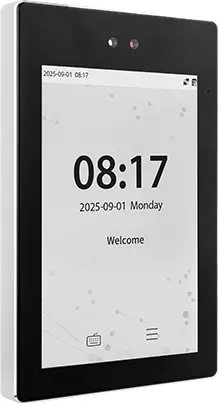
ZKTeco
ProFace X
High-end face terminal, 8-inch screen, IP68, -30 to 60 °C, for an outdoor entrance or a site of several thousand people.
- Visage
- Paume
- Badge
- Code
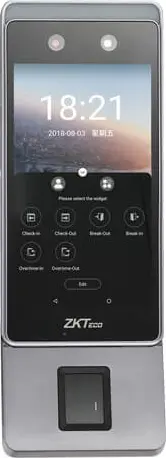
ZKTeco
Horus E1
Android face terminal in a phone format, with Wi-Fi, 4G and Bluetooth, for a site with no wired network or a worksite base.
- Visage
- Empreinte
- Badge
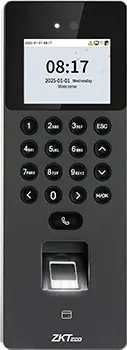
ZKTeco
SenseFace 2A
Compact face, fingerprint, card and keypad time clock, for an SME or a branch replacing a fingerprint time clock.
- Visage
- Empreinte
- Badge
- Code
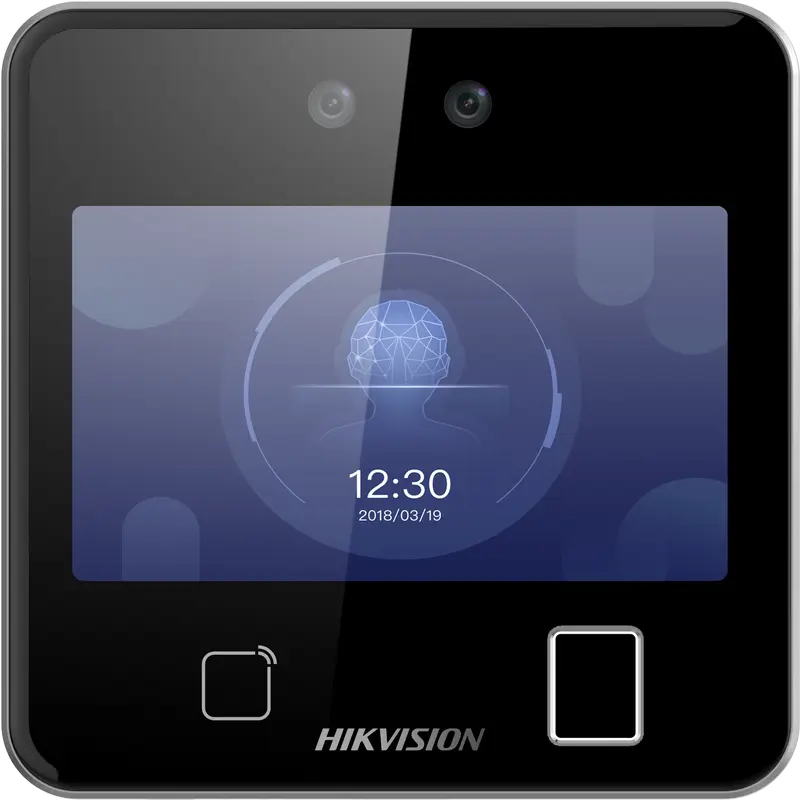
Hikvision
DS-K1T642MFW
Square facial recognition terminal (up to 3 m) with fingerprint, Mifare card and Wi-Fi: for receptions, offices and shops.
- Visage
- Empreinte
- Badge
- QR code
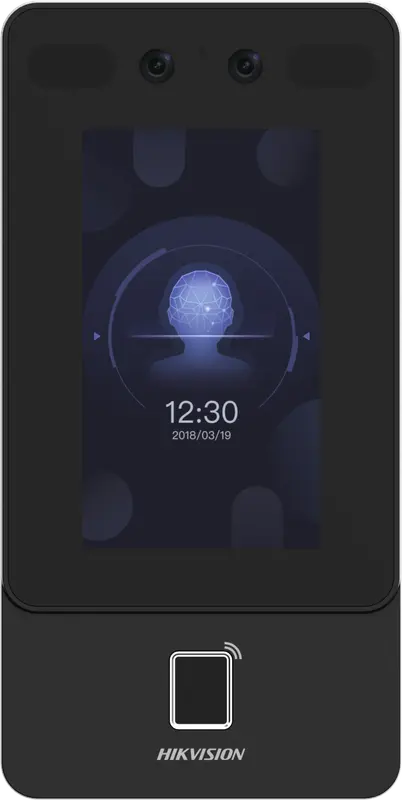
Hikvision
DS-K1T342MFWX
Vertical wall terminal: face (masks included), fingerprint and Mifare card, over Ethernet or Wi-Fi, from -30 °C to 60 °C.
- Visage
- Empreinte
- Badge
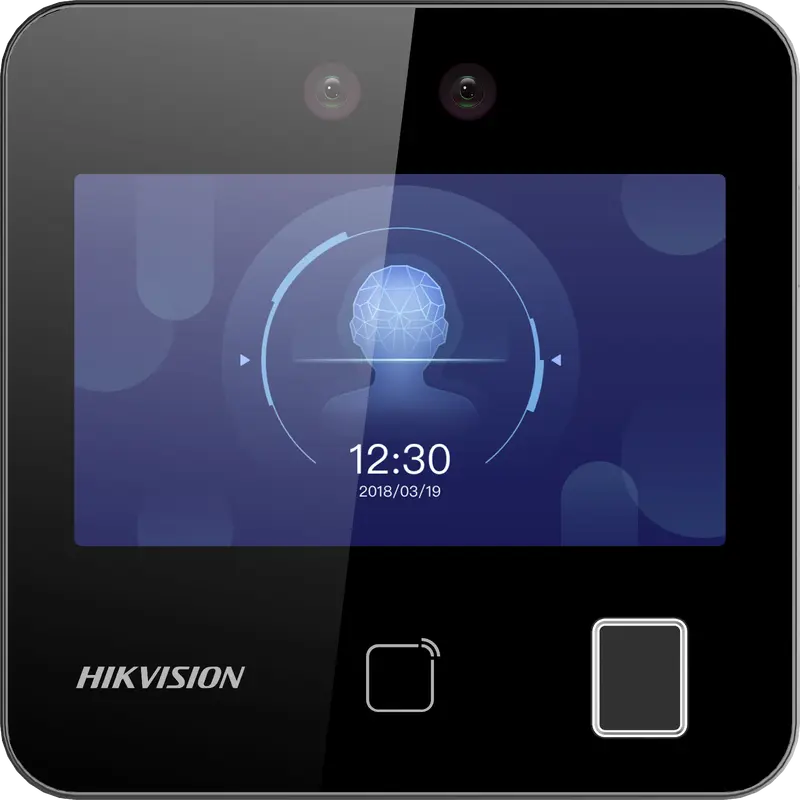
Hikvision
DS-K1T343MFWX
Compact square terminal: face, fingerprint and Mifare card, Ethernet or Wi-Fi. The Hikvision model we have actually connected.
- Visage
- Empreinte
- Badge
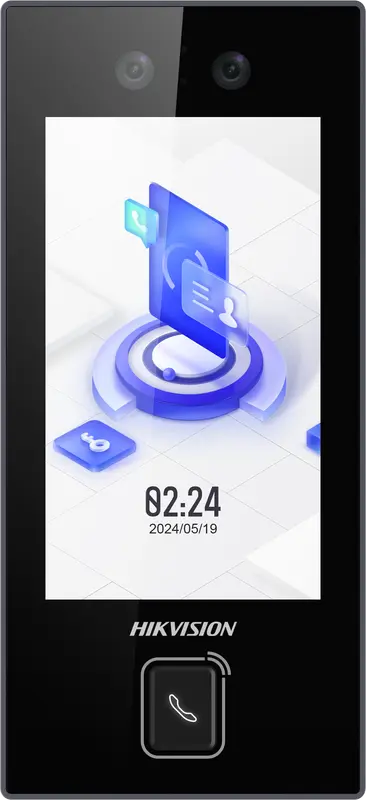
Hikvision
DS-K1T344MX-E1
IP65 PoE-powered face terminal with Mifare card, PIN code and QR code: for exposed entrances, from -30 °C to 60 °C.
- Visage
- Badge
- Code
- QR code
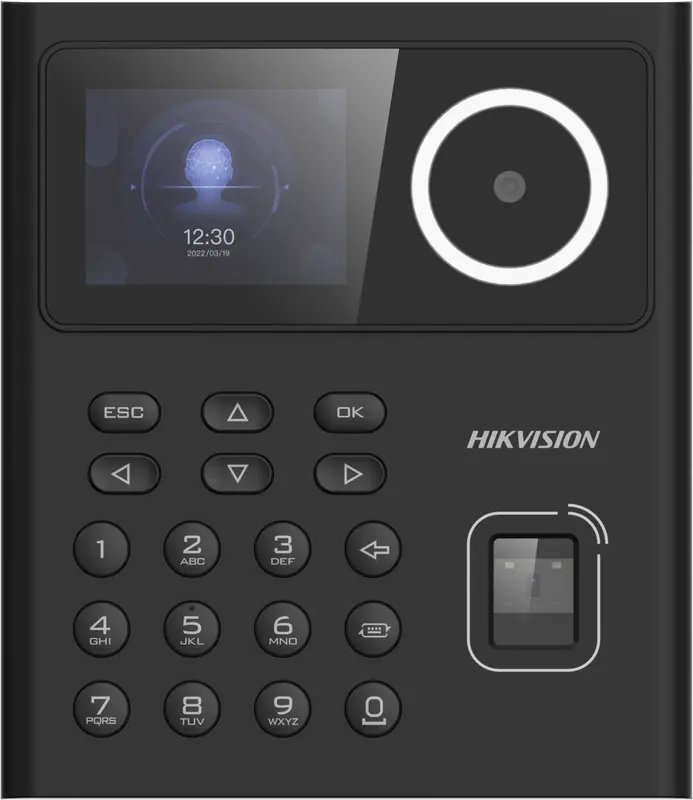
Hikvision
DS-K1T320MFWX
Small entry-level face terminal, 2.4-inch screen, with fingerprint, Mifare card, PIN code and Wi-Fi: for small teams.
- Visage
- Empreinte
- Badge
- Code
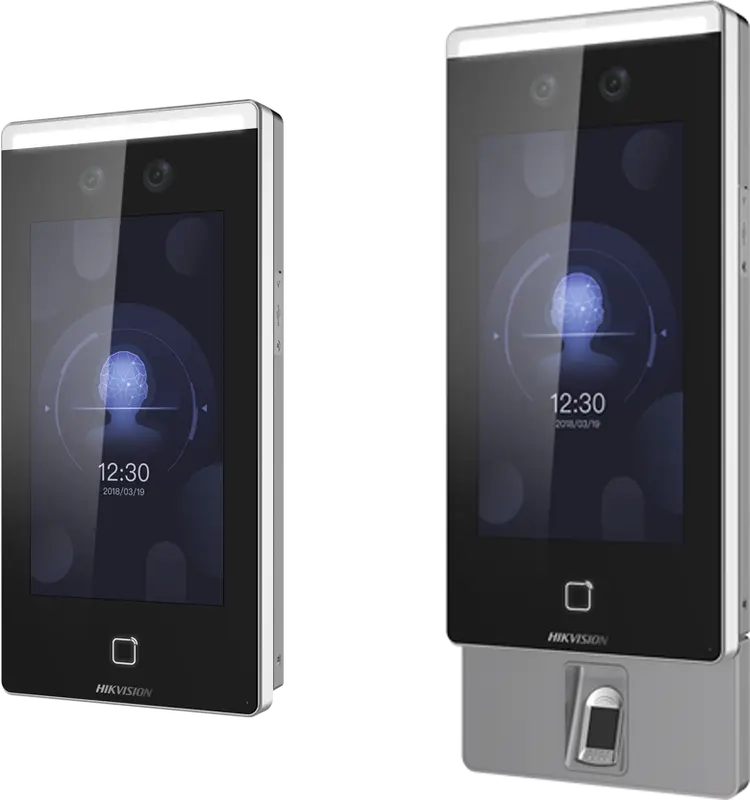
Hikvision
DS-K1T671
Large face terminal with a 7-inch screen, IP65, fingerprint and card: for busy entrances and very cold or hot sites.
- Visage
- Empreinte
- Badge
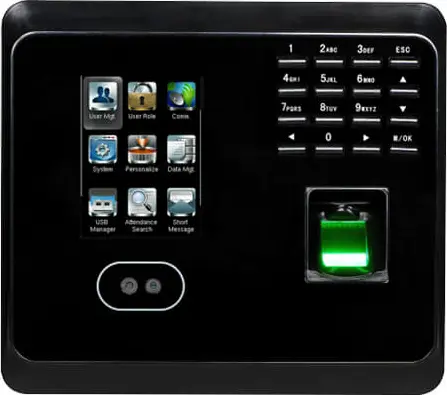 Plus fabriquée
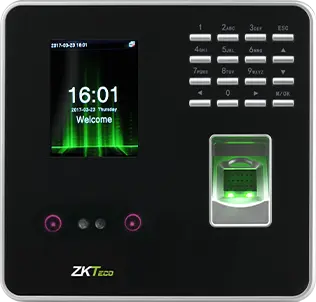
ZKTeco
MB360
Face and fingerprint time clock with keypad and optional card, for an office or a store with up to 1,500 enrolled faces.
- Visage
- Empreinte
- Badge
- Code
 Plus fabriquée
ZKTeco
MB20
Small face and fingerprint time clock for a small team: a branch, a practice or a boutique, up to 200 faces.
- Visage
- Empreinte
- Badge
- Code
- Plus fabriquée
ZKTeco
uFace 402
Face and fingerprint time clock with a 4.3-inch touchscreen, for a head office, a factory or a store of several hundred people.
- Visage
- Empreinte
- Badge
- Code
- Plus fabriquée
ZKTeco
MB160
Face and fingerprint time clock with keypad, with the same capacities as the MB360, for an office or a shop.
- Visage
- Empreinte
- Badge
- Code
Questions fréquentes
How do you track an employee on a split shift in a restaurant?
The employee punches at the start and end of each slot, so four times for a lunch and dinner service. With the TEMPO in-and-out mode, only the time between a clock-in and the next clock-out counts: the break is not paid. A clock-out forgotten at the break shows up as a Missing clock-out anomaly, to correct or justify.
Is a dinner service that ends after midnight counted on the right day?
Yes. In TEMPO, a service belongs to the day it starts. A dinner service ending at 0:40 is therefore counted in full on the previous day, with its night hours and any overtime, with no manual correction on your part.
Which time clock should a restaurant in Morocco choose?
For a kitchen, a facial recognition time clock is often better than fingerprint, because wet or gloved hands spoil the reading. TEMPO works with ZKTeco and Hikvision time clocks; Hikvision models send their punches over the internet without opening a port. A small venue can make do with phone clock-in.
How do you track extras for an event?
Create them by Excel import or one by one, with a seasonal, fixed-term or temporary contract if you track contracts. They clock in on the time clock after an enrollment sent from TEMPO, or from their phone within the venue’s perimeter. Their hours appear in the reports and the payroll activity statement.
Sources
Textes officiels d'où viennent les chiffres de cette page. Les valeurs proposées par le logiciel restent modifiables.