What is a biometric time clock and what is it for?
A biometric time clock is a wall-mounted terminal that records an employee’s arrival and departure by recognizing their face, fingerprint or palm, often also by badge or code. It replaces the attendance sheet and stops one colleague clocking in for another.
TEMPO reads the punches from your terminals, assigns them to the right employees and calculates lateness, overtime and absences against the schedule (see time management).
What types of time clocks are there?
| Type | How employees clock in | Strengths | Points to watch |
|---|---|---|---|
| Facial recognition | The employee stands in front of the camera, contactless | Fast at peak times, nothing to touch, works with dirty or gloved hands | Lighting at the entrance, backlight |
| Fingerprint | A finger placed on the sensor | The most common and cheapest model | Worn fingers (construction, kitchens, cleaning) |
| RFID badge or card | A card or key fob held up to the reader | Simple, no biometric data, suited to access control | A badge can be lent |
| Outdoor | Face, fingerprint or badge, in a weatherproof casing | Gate, loading dock, construction site | IP65 rating or better, power and network at the gate |
- How employees clock in
- The employee stands in front of the camera, contactless
- Strengths
- Fast at peak times, nothing to touch, works with dirty or gloved hands
- Points to watch
- Lighting at the entrance, backlight
- How employees clock in
- A finger placed on the sensor
- Strengths
- The most common and cheapest model
- Points to watch
- Worn fingers (construction, kitchens, cleaning)
- How employees clock in
- A card or key fob held up to the reader
- Strengths
- Simple, no biometric data, suited to access control
- Points to watch
- A badge can be lent
- How employees clock in
- Face, fingerprint or badge, in a weatherproof casing
- Strengths
- Gate, loading dock, construction site
- Points to watch
- IP65 rating or better, power and network at the gate
The four main families of time clocks, and what sets them apart on the ground.
Face, fingerprint or badge: which time clock to choose in Morocco?
- Offices, branches, stores: a fingerprint time clock with a badge reader is enough.
- Factory, warehouse, call center: a facial time clock avoids the queue at 08:00.
- Gate, construction site: an outdoor casing, or the phone with the time and attendance app.
- Without biometrics: badge only or phone. See our guide biometric clocking and the CNDP.
The detailed comparison is in the guide facial, fingerprint or badge time clock.
All ZKTeco and Hikvision time clocks
Filter by brand, by identification method or for outdoor use, then open a page for its specifications and its connection to TEMPO.
22 pointeuses
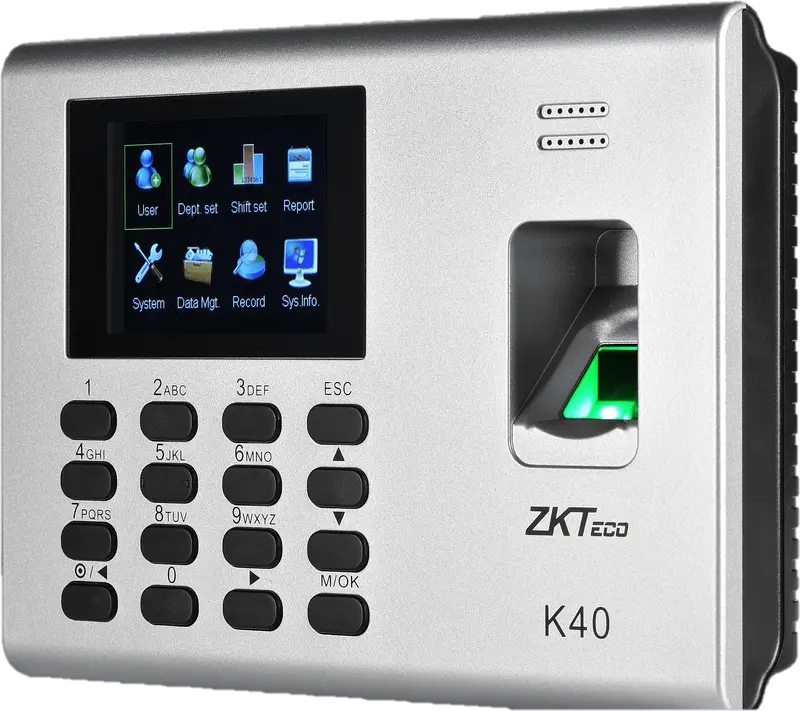
ZKTeco
K40
Entry-level fingerprint time clock with keypad, 2.8-inch screen and built-in battery, for an office, a store or a small workshop.
- Empreinte
- Badge
- Code
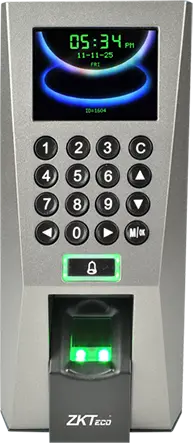
ZKTeco
F18
Wall-mounted fingerprint terminal with keypad, Wiegand and anti-passback, to clock in and control an office or equipment room door.
- Empreinte
- Badge
- Code
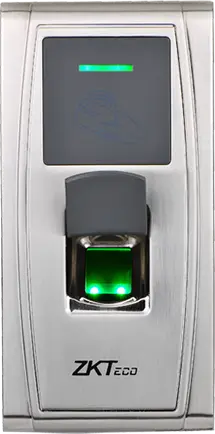
ZKTeco
MA300
Fingerprint and card reader in an IP65 metal housing, no screen, to clock in at an exposed entrance, a gate or a loading dock.
- Empreinte
- Badge
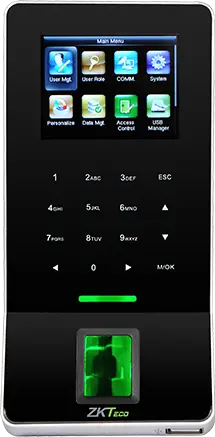
ZKTeco
F22
Slim fingerprint terminal with built-in Wi-Fi, to clock in and control a door where running a network cable is difficult.
- Empreinte
- Badge
- Code
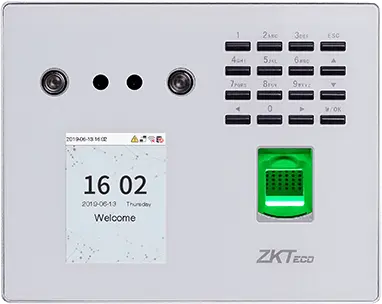
ZKTeco
MB560-VL
Visible-light face, fingerprint and keypad time clock, successor to the MB160 and MB360 for office and retail sites.
- Visage
- Empreinte
- Badge
- Code
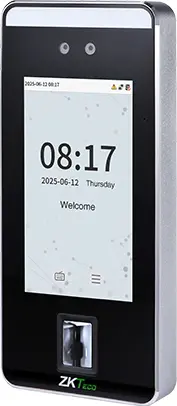
ZKTeco
SpeedFace-V5L
Touchless face terminal, 5-inch screen, fingerprint depending on version and optional palm, for a site of several hundred people.
- Visage
- Paume
- Empreinte
- Badge
- Code
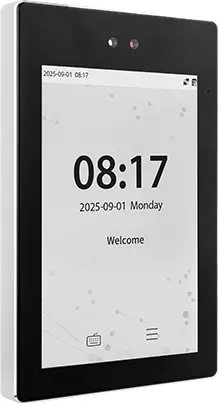
ZKTeco
ProFace X
High-end face terminal, 8-inch screen, IP68, -30 to 60 °C, for an outdoor entrance or a site of several thousand people.
- Visage
- Paume
- Badge
- Code
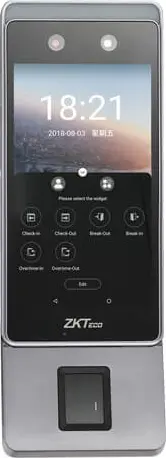
ZKTeco
Horus E1
Android face terminal in a phone format, with Wi-Fi, 4G and Bluetooth, for a site with no wired network or a worksite base.
- Visage
- Empreinte
- Badge
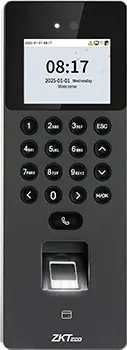
ZKTeco
SenseFace 2A
Compact face, fingerprint, card and keypad time clock, for an SME or a branch replacing a fingerprint time clock.
- Visage
- Empreinte
- Badge
- Code
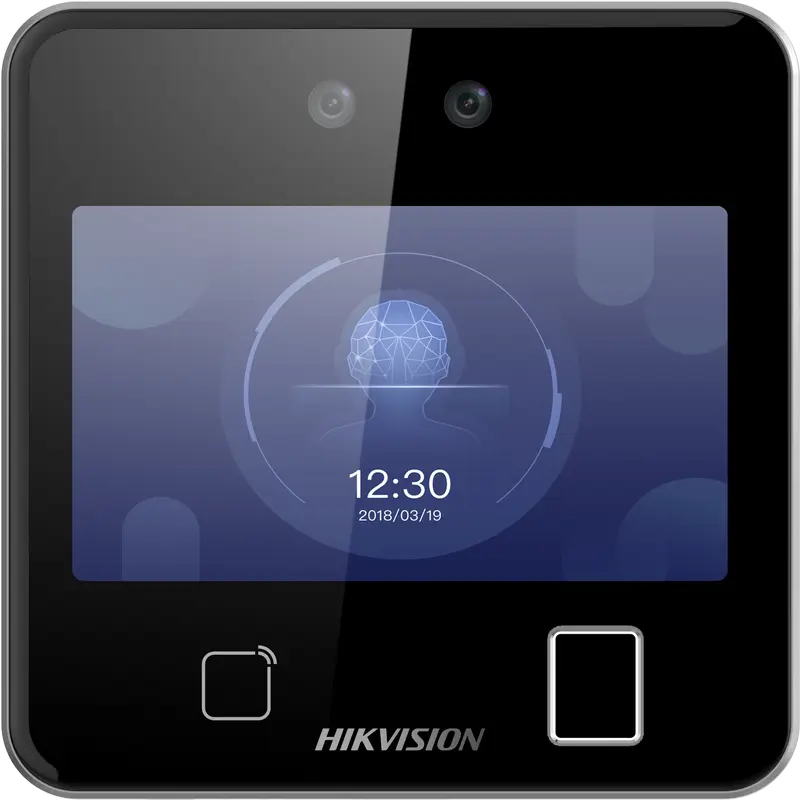
Hikvision
DS-K1T642MFW
Square facial recognition terminal (up to 3 m) with fingerprint, Mifare card and Wi-Fi: for receptions, offices and shops.
- Visage
- Empreinte
- Badge
- QR code
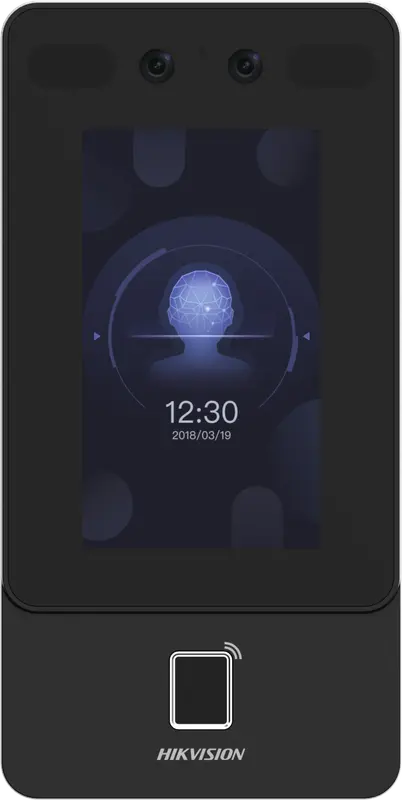
Hikvision
DS-K1T342MFWX
Vertical wall terminal: face (masks included), fingerprint and Mifare card, over Ethernet or Wi-Fi, from -30 °C to 60 °C.
- Visage
- Empreinte
- Badge
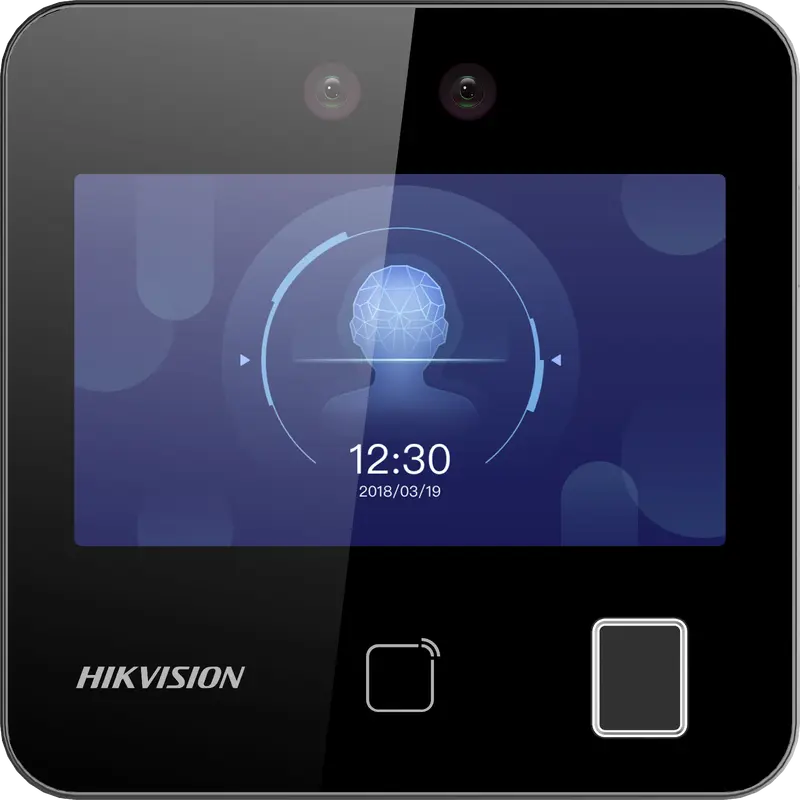
Hikvision
DS-K1T343MFWX
Compact square terminal: face, fingerprint and Mifare card, Ethernet or Wi-Fi. The Hikvision model we have actually connected.
- Visage
- Empreinte
- Badge
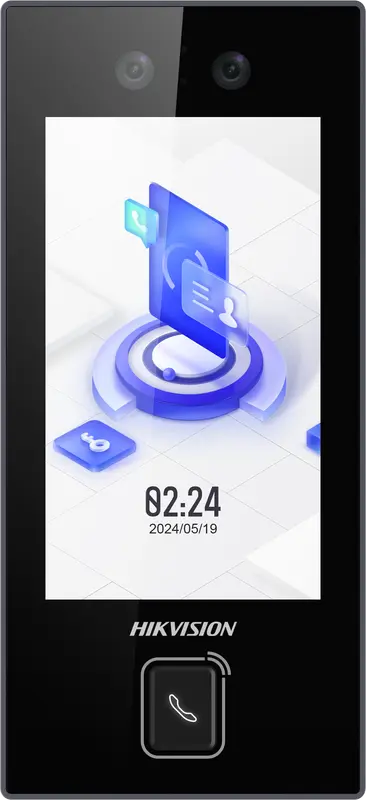
Hikvision
DS-K1T344MX-E1
IP65 PoE-powered face terminal with Mifare card, PIN code and QR code: for exposed entrances, from -30 °C to 60 °C.
- Visage
- Badge
- Code
- QR code
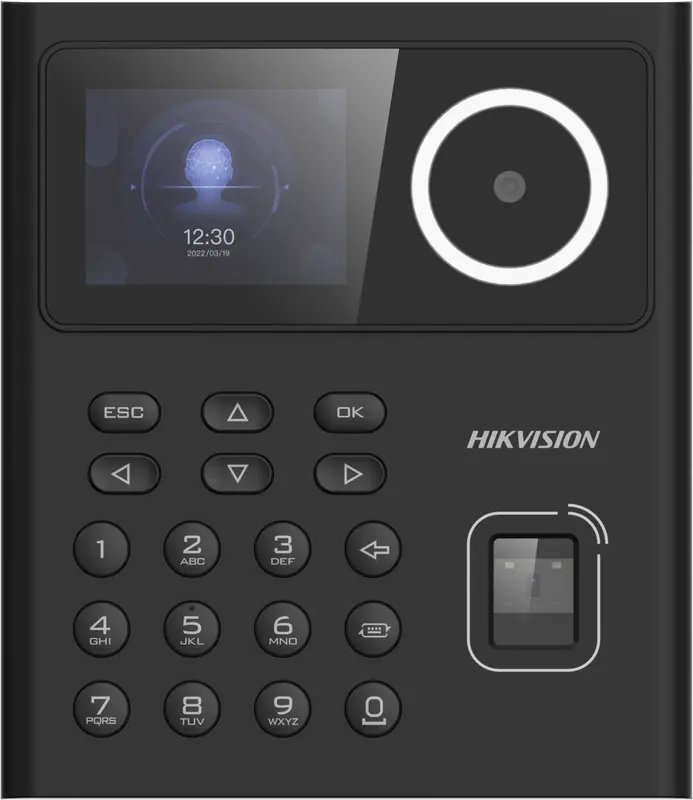
Hikvision
DS-K1T320MFWX
Small entry-level face terminal, 2.4-inch screen, with fingerprint, Mifare card, PIN code and Wi-Fi: for small teams.
- Visage
- Empreinte
- Badge
- Code
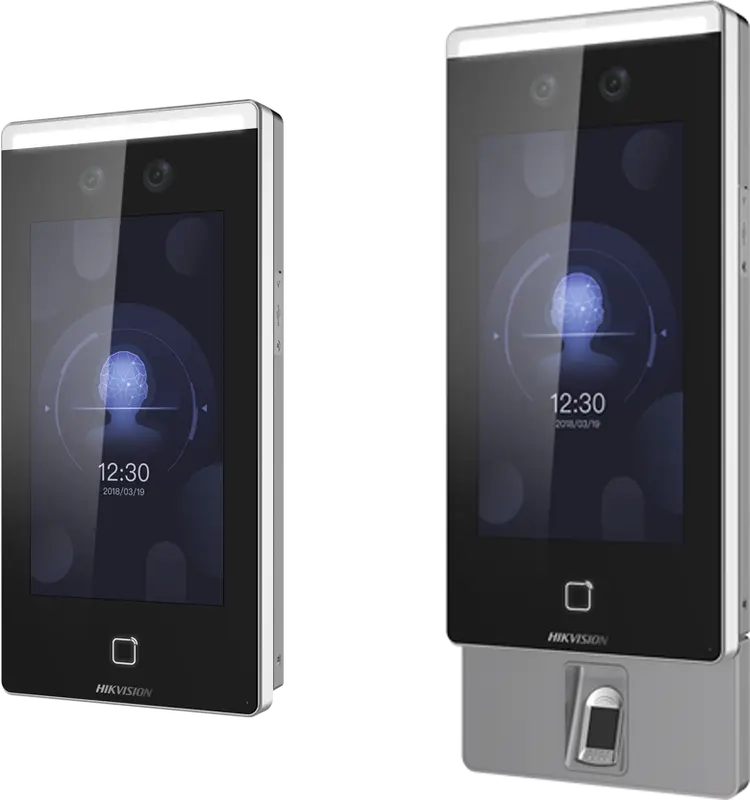
Hikvision
DS-K1T671
Large face terminal with a 7-inch screen, IP65, fingerprint and card: for busy entrances and very cold or hot sites.
- Visage
- Empreinte
- Badge
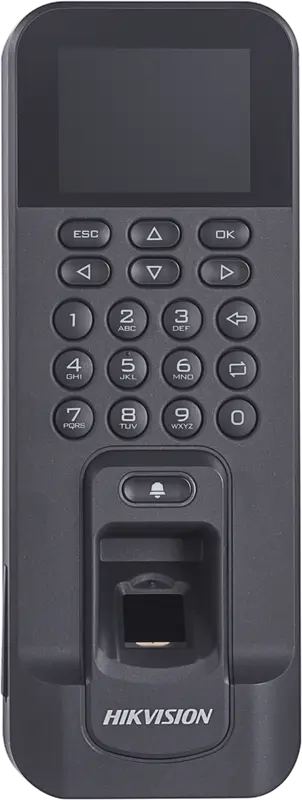
Hikvision
DS-K1T804AMF
Slim fingerprint and Mifare card reader, over Ethernet or Wi-Fi: for an office door or a restricted-access room.
- Empreinte
- Badge
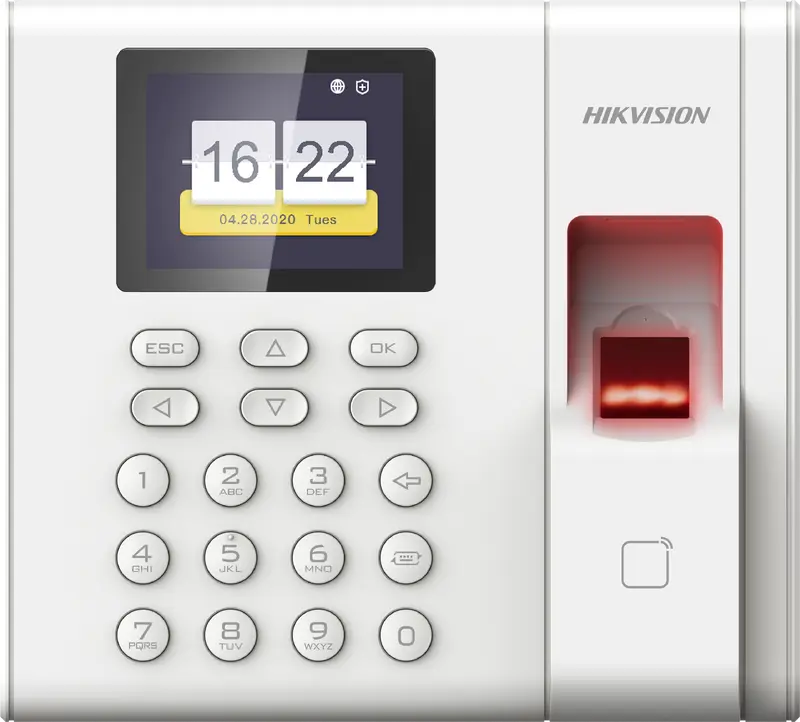
Hikvision
DS-K1A8503EF
Entry-level fingerprint and card time clock built for attendance only: 1,000 employees, USB export, Ethernet network.
- Empreinte
- Badge
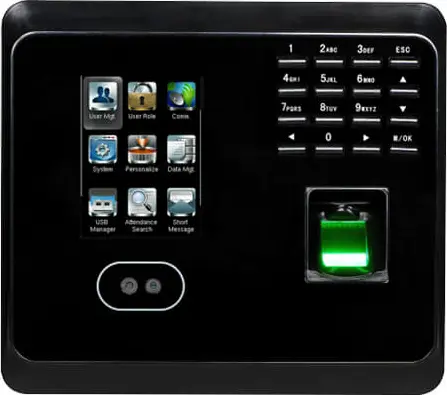 Plus fabriquée
ZKTeco
MB360
Face and fingerprint time clock with keypad and optional card, for an office or a store with up to 1,500 enrolled faces.
- Visage
- Empreinte
- Badge
- Code
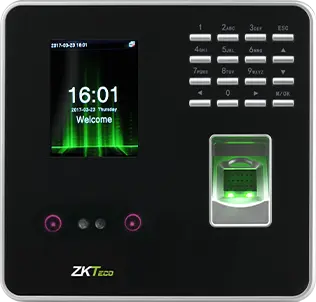 Plus fabriquée
ZKTeco
MB20
Small face and fingerprint time clock for a small team: a branch, a practice or a boutique, up to 200 faces.
- Visage
- Empreinte
- Badge
- Code
- Plus fabriquée
ZKTeco
uFace 402
Face and fingerprint time clock with a 4.3-inch touchscreen, for a head office, a factory or a store of several hundred people.
- Visage
- Empreinte
- Badge
- Code
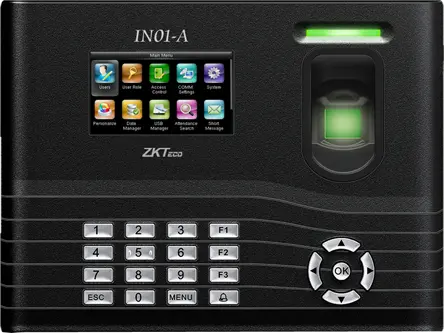 Plus fabriquée
ZKTeco
IN01-A
Fingerprint time clock with 3-inch screen, built-in battery and Wiegand, for a site with frequent power cuts.
- Empreinte
- Badge
- Code
- Plus fabriquée
ZKTeco
MB160
Face and fingerprint time clock with keypad, with the same capacities as the MB360, for an office or a shop.
- Visage
- Empreinte
- Badge
- Code
Where can you buy a time clock in Morocco, and at what price?
We supply, install and configure ZKTeco and Hikvision time clocks compatible with TEMPO, and we also connect the ones you already have. Pricing is by quote, depending on the model, quantity, accessories and installation: request a quote.
Buying elsewhere? Check the exact model on our time clock compatibility page and follow the guide installing a time clock.
What does TEMPO do with your time clock punches?
With TEMPO, every punch becomes a calculated working day.
Collected in the cloud
Punches from all your sites arrive in a single account.
Enrollment from the software
Employees, badges and fingerprints sent to the time clock from their record.
Calculated against the schedule
Lateness, overtime and absences calculated from each person’s hours.
Anomalies to justify
Missing punches and absences flagged to the manager.
Time clocks monitored
A daily email lists the time clocks that are offline.
On to payroll
Approved hours feed payroll preparation.
How many time clocks do you need?
Count one time clock per entrance where employees start their shift. If a large share of the workforce arrives within the same quarter of an hour, plan a second time clock or a facial model.
All your time clocks are managed from the same account, with each manager seeing only their own sites (see multi-site time and attendance).
Learn more
Pages by brand and by type, and practical guides.
- ZKTeco ZKTeco time clocks in Morocco: K40, F18, MA300, MB360, uFace and face models, compatible with TEMPO via the SDK protocol (port 4370).
- Hikvision Hikvision time clocks in Morocco: DS-K1T Value and Pro face terminals, Wi-Fi, fingerprint and card, punches sent to TEMPO in real time.
- Compatibility Is your time clock compatible with TEMPO? Brands, protocols, tested models, what to check, bringing over your data.
- Installation Install a time clock in Morocco: location, number of terminals, network, VPN or restricted port, time and enrollment with TEMPO.
- ZKTeco or Hikvision ZKTeco or Hikvision: identification, network, punch delivery, enrollment. The comparison and what TEMPO does with each.
- Face, fingerprint or badge Face, fingerprint or badge: speed, fraud, environment, biometric data. The comparison for choosing your time clock in Morocco.
Questions fréquentes
How much does a biometric time clock cost in Morocco?
Pricing is by quote, because it depends on the model, the number of terminals, accessories (badges, battery, outdoor casing) and installation. We supply, install and configure ZKTeco and Hikvision time clocks compatible with TEMPO: request a quote with your sites and headcount.
Do you supply the time clocks or only the software?
Both. We supply, install and configure ZKTeco and Hikvision time clocks compatible with TEMPO, then TEMPO manages them from your account. If you already have compatible time clocks, we connect them to TEMPO without changing hardware. Hardware is priced by quote.
Which time clock should a small business in Morocco choose?
For a team of a few dozen people in an office or store, a fingerprint time clock with a badge reader is enough, for example a ZKTeco K40 or F22. If many people arrive at the same time or hands are often dirty, prefer a facial time clock, such as a Hikvision from the Value series.
Can I keep the time clock I already have?
Yes, if it is a compatible ZKTeco or Hikvision. TEMPO reads the users already enrolled on the time clock and you link each ID to an employee. Fingerprints stay on the time clock, and past punches are attached to the employee once the link is made.
Does a time clock work without a computer on site?
Yes. With TEMPO, no computer or software is installed on site: the time clock is connected to the network and its punches arrive in the cloud. An Internet connection on site is all it takes. You then follow attendance at all your sites from a browser or a phone.