How does a fingerprint time clock work?
The time clock reads the finger placed on its sensor, extracts a template from it (feature points, not an image) and compares it with those in its memory. The employee just places a finger, or types a PIN first for extra security.
Simple and proven, it needs no badges to hand out.
Why do some fingerprints fail: construction, cleaning, dry hands?
Cement, water and cleaning products wear down or dry out fingers. Enroll two or three fingers per person, including one from each hand.
For very manual jobs, a facial time clock or clocking in from a phone works better.
How do you enroll fingerprints without visiting every site?
Start enrollment from the employee record: the time clock waits, the person places their finger on site, and the result comes back to TEMPO.
TEMPO shows the fingers enrolled for each person and automatically removes an employee who leaves the company from the time clocks.
What happens when you replace a ZKTeco time clock?
Back up the old one from TEMPO, then restore the backup to the new one: active employees get their fingerprints back without going through the sensor again.
Where should you install a fingerprint time clock?
Indoors, sheltered from water, dust and sun, near the staff entrance, with a power socket and a network cable. Clean the sensor regularly with a dry cloth.
For a gate or a yard, choose a weatherproof model such as the ZKTeco MA300 (IP65): see outdoor time clock.
What does TEMPO do with a fingerprint time clock?
Everything is managed from the browser, for one site or many.
Remote fingerprint
Start enrollment from the employee record.
Employees synced
Name, employee number, badge and PIN go to the chosen time clocks.
Backup and restore
Fingerprints from a ZKTeco move to a new terminal.
Anomalies flagged
Missed punches and late arrivals land in a list to handle.
Fingerprint time clocks compatible with TEMPO
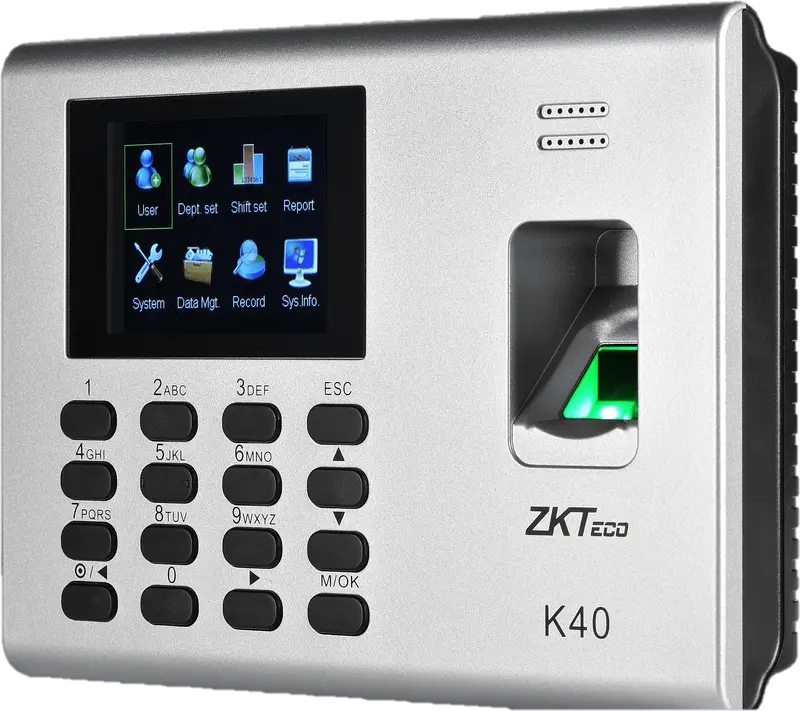
ZKTeco
K40
Entry-level fingerprint time clock with keypad, 2.8-inch screen and built-in battery, for an office, a store or a small workshop.
- Empreinte
- Badge
- Code
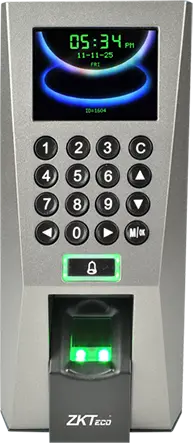
ZKTeco
F18
Wall-mounted fingerprint terminal with keypad, Wiegand and anti-passback, to clock in and control an office or equipment room door.
- Empreinte
- Badge
- Code
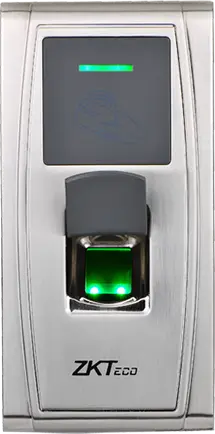
ZKTeco
MA300
Fingerprint and card reader in an IP65 metal housing, no screen, to clock in at an exposed entrance, a gate or a loading dock.
- Empreinte
- Badge
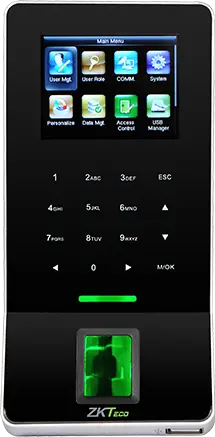
ZKTeco
F22
Slim fingerprint terminal with built-in Wi-Fi, to clock in and control a door where running a network cable is difficult.
- Empreinte
- Badge
- Code
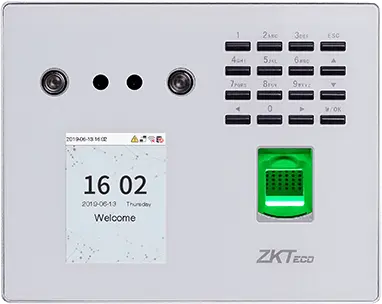
ZKTeco
MB560-VL
Visible-light face, fingerprint and keypad time clock, successor to the MB160 and MB360 for office and retail sites.
- Visage
- Empreinte
- Badge
- Code
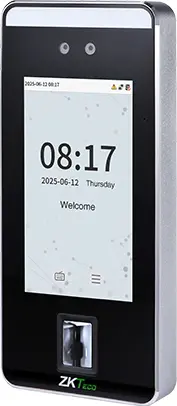
ZKTeco
SpeedFace-V5L
Touchless face terminal, 5-inch screen, fingerprint depending on version and optional palm, for a site of several hundred people.
- Visage
- Paume
- Empreinte
- Badge
- Code
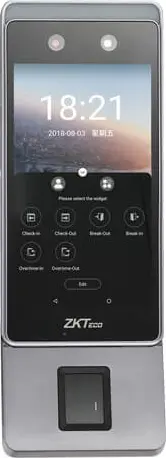
ZKTeco
Horus E1
Android face terminal in a phone format, with Wi-Fi, 4G and Bluetooth, for a site with no wired network or a worksite base.
- Visage
- Empreinte
- Badge
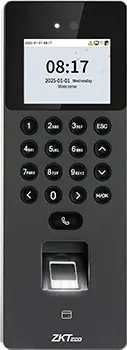
ZKTeco
SenseFace 2A
Compact face, fingerprint, card and keypad time clock, for an SME or a branch replacing a fingerprint time clock.
- Visage
- Empreinte
- Badge
- Code
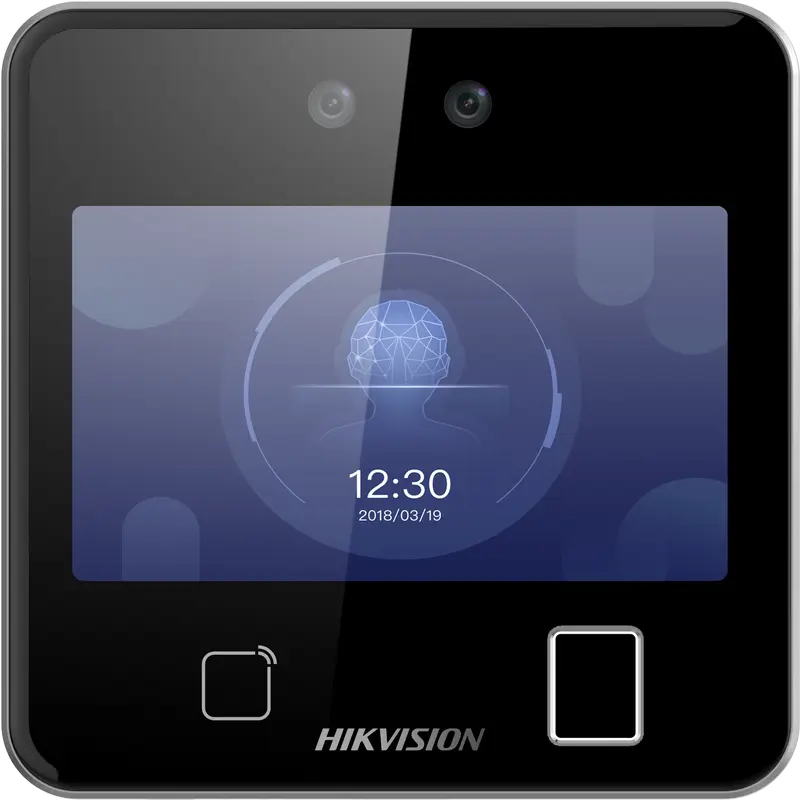
Hikvision
DS-K1T642MFW
Square facial recognition terminal (up to 3 m) with fingerprint, Mifare card and Wi-Fi: for receptions, offices and shops.
- Visage
- Empreinte
- Badge
- QR code
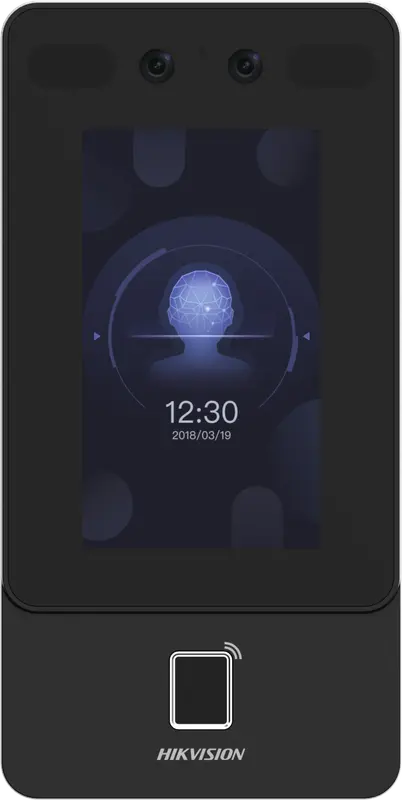
Hikvision
DS-K1T342MFWX
Vertical wall terminal: face (masks included), fingerprint and Mifare card, over Ethernet or Wi-Fi, from -30 °C to 60 °C.
- Visage
- Empreinte
- Badge
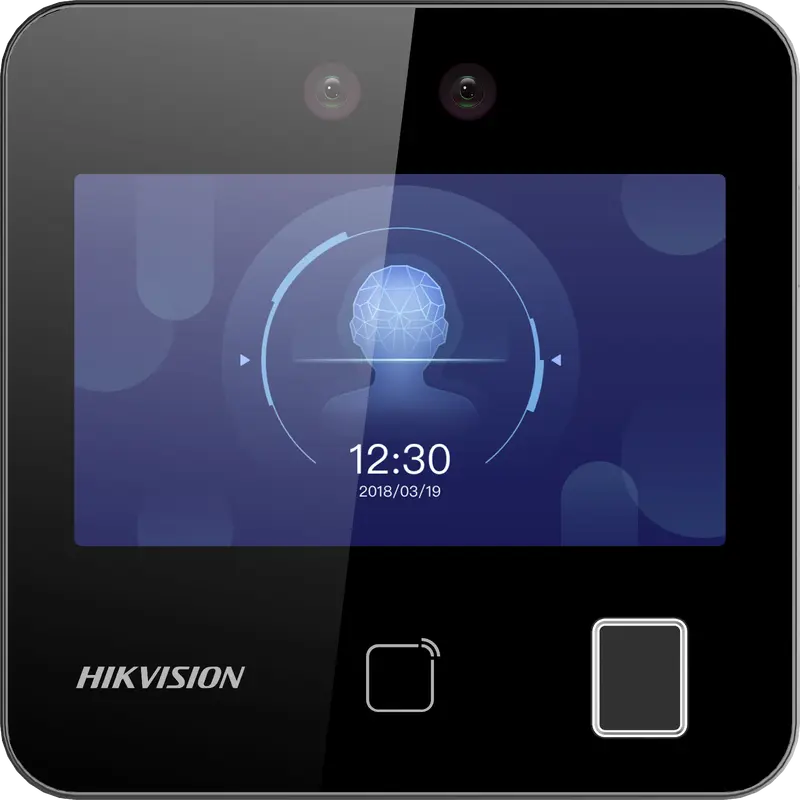
Hikvision
DS-K1T343MFWX
Compact square terminal: face, fingerprint and Mifare card, Ethernet or Wi-Fi. The Hikvision model we have actually connected.
- Visage
- Empreinte
- Badge
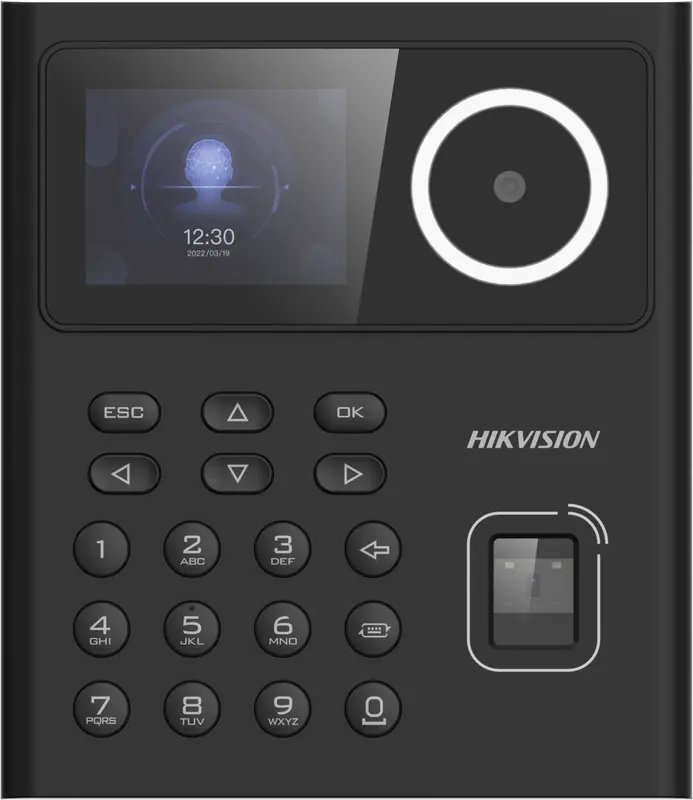
Hikvision
DS-K1T320MFWX
Small entry-level face terminal, 2.4-inch screen, with fingerprint, Mifare card, PIN code and Wi-Fi: for small teams.
- Visage
- Empreinte
- Badge
- Code
Hikvision
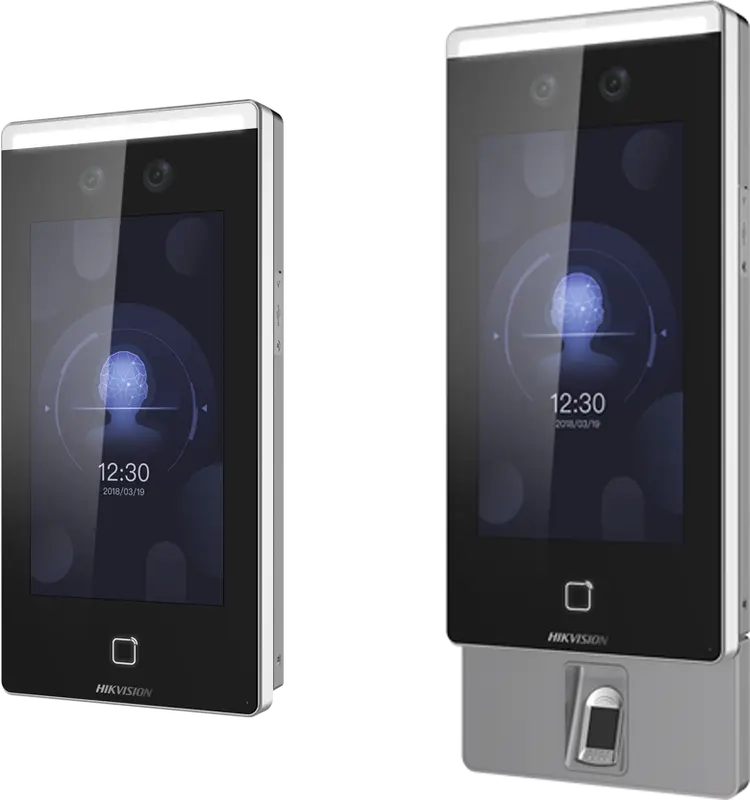
DS-K1T671
Large face terminal with a 7-inch screen, IP65, fingerprint and card: for busy entrances and very cold or hot sites.
- Visage
- Empreinte
- Badge
Hikvision
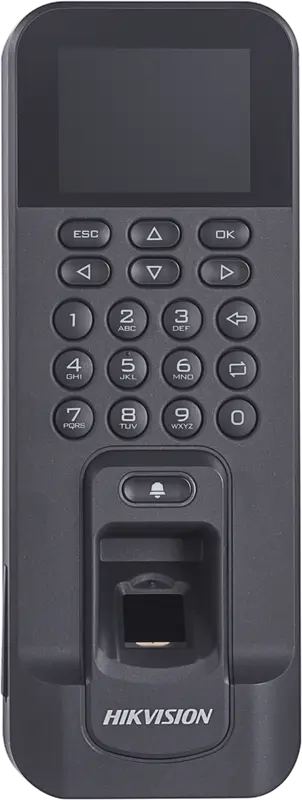
DS-K1T804AMF
Slim fingerprint and Mifare card reader, over Ethernet or Wi-Fi: for an office door or a restricted-access room.
- Empreinte
- Badge
Hikvision
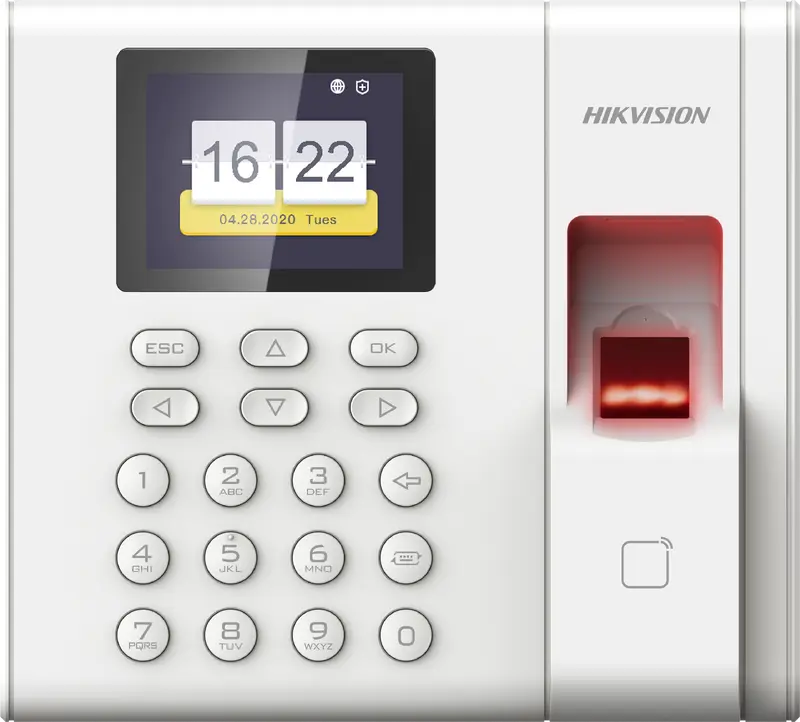
DS-K1A8503EF
Entry-level fingerprint and card time clock built for attendance only: 1,000 employees, USB export, Ethernet network.
- Empreinte
- Badge
 Plus fabriquée
ZKTeco
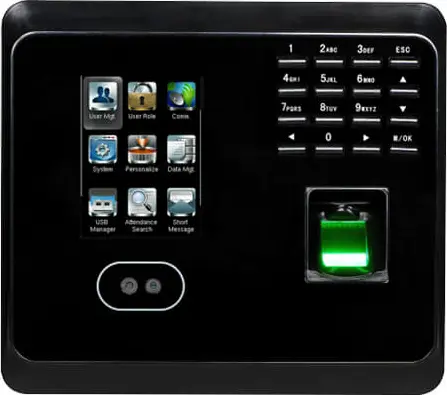
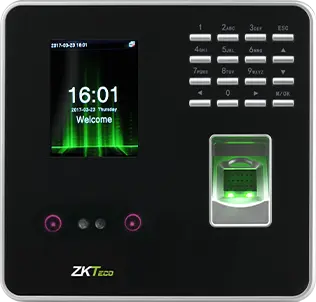
MB360
Face and fingerprint time clock with keypad and optional card, for an office or a store with up to 1,500 enrolled faces.
- Visage
- Empreinte
- Badge
- Code
 Plus fabriquée
ZKTeco
MB20
Small face and fingerprint time clock for a small team: a branch, a practice or a boutique, up to 200 faces.
- Visage
- Empreinte
- Badge
- Code
- Plus fabriquée
ZKTeco
uFace 402
Face and fingerprint time clock with a 4.3-inch touchscreen, for a head office, a factory or a store of several hundred people.
- Visage
- Empreinte
- Badge
- Code
 Plus fabriquée
ZKTeco
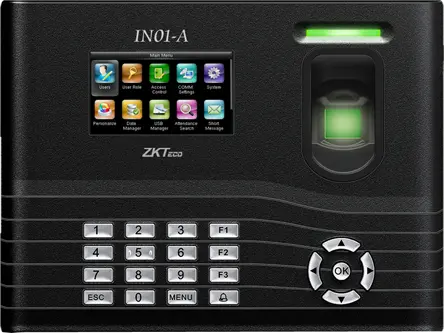
IN01-A
Fingerprint time clock with 3-inch screen, built-in battery and Wiegand, for a site with frequent power cuts.
- Empreinte
- Badge
- Code
- Plus fabriquée
ZKTeco
MB160
Face and fingerprint time clock with keypad, with the same capacities as the MB360, for an office or a shop.
- Visage
- Empreinte
- Badge
- Code
To choose and install
- Face, fingerprint or badge Face, fingerprint or badge: speed, fraud, environment, biometric data. The comparison for choosing your time clock in Morocco.
- ZKTeco ZKTeco time clocks in Morocco: K40, F18, MA300, MB360, uFace and face models, compatible with TEMPO via the SDK protocol (port 4370).
- Connect a ZKTeco time clock Set up a ZKTeco time clock on the network: fixed IP, port 4370, communication key, VPN, time, then adding it to TEMPO.
- Compatibility Is your time clock compatible with TEMPO? Brands, protocols, tested models, what to check, bringing over your data.
Questions fréquentes
How does a biometric fingerprint time clock work?
The employee places their finger on the sensor. The time clock calculates a template, compares it with those in its memory and records the recognized employee number with the time. With TEMPO, these punches are checked against the schedule to calculate hours worked, late arrivals and overtime under your company’s rules.
What if an employee’s fingerprint is not recognized?
Re-enroll the finger, placing it flat, then enroll a second and third finger, including one from the other hand, and clean the sensor. For very worn hands, give the person a badge or PIN on the same terminal, or consider a facial time clock.
Can you enroll a fingerprint remotely?
Yes with TEMPO, on compatible ZKTeco and Hikvision time clocks. You start enrollment from the employee record, the time clock waits for the finger, the employee places it on site and TEMPO receives the result. You then see which fingers are enrolled for each person and can delete one.
Do you need to redo fingerprints when changing time clocks?
Not with a ZKTeco time clock connected to TEMPO: back up the old one, then restore the backup to the new one. Fingerprints are copied over, and active employees come back with their badge and PIN up to date, without going through the sensor one by one.
Sources
Textes officiels d'où viennent les chiffres de cette page. Les valeurs proposées par le logiciel restent modifiables.