How does a Hikvision time clock send its punches?
Through its HTTP Listening feature: the time clock sends each successful pass, as it happens, to the address TEMPO gives it, over HTTPS. No port needs to be opened to receive punches.
To enroll employees and set the time clock’s time, TEMPO calls it in turn via ISAPI.
The steps to connect a Hikvision time clock
- 1
Note the serial number
The one on the label (S/N) or in the web interface.
- 2
Set up the network
Fixed IP address, gateway and DNS server.
- 3
Register it in TEMPO
Time clocks menu, Add a time clock.
- 4
Configure HTTP Listening
Copy the push address shown on the time clock’s page.
- 5
Set the time zone
Casablanca for a site in Morocco.
- 6
Create an ISAPI operator account
An account dedicated to TEMPO, for remote enrollment.
- 7
Check
Make a test punch: it arrives within seconds.
How do you configure HTTP Listening on a Hikvision time clock?
- In TEMPO, open the time clock’s page and copy the punch push address.
- In the time clock’s web interface, open Configuration, Network, Advanced Settings, then HTTP Listening.
- Fill in the fields as shown in the table below and save.
Which values do you enter in HTTP Listening?
| Time clock field | Value |
|---|---|
| IP address or domain name (Event Alarm IP/Domain Name) | The address host, without https:// or path |
| URL | The path: /hik/events/ followed by the token |
| Port | 443 |
| Protocol | HTTPS |
| Event type (Event Type) | Access control events (Access Control Event) |
IP address or domain name (Event Alarm IP/Domain Name)
- Value
- The address host, without https:// or path
URL
- Value
- The path: /hik/events/ followed by the token
Port
- Value
- 443
Protocol
- Value
- HTTPS
Event type (Event Type)
- Value
- Access control events (Access Control Event)
The HTTP Listening fields, based on the push address copied from TEMPO.
Why does the Hikvision time clock’s time zone matter so much?
The time clock stamps each punch with its time offset: a wrong time zone shifts every punch. Choose Casablanca (Configuration, System, Time Settings), and TEMPO then keeps the clock on time.
How do you enroll employees from TEMPO on a Hikvision time clock?
Create an Operator user on the time clock dedicated to TEMPO and enter its credentials on the time clock’s page in TEMPO, where the password is encrypted. Make the time clock reachable through a site VPN or a port restricted to TEMPO’s addresses.
TEMPO then sends it the employee, their badge and the photo from their record, and can start fingerprint capture.
What if Hikvision punches do not arrive?
| What you see | What to do |
|---|---|
| No punches arrive | Recheck HTTP Listening field by field, check DNS and outbound access on port 443 |
| Punches off by one hour | Correct the time clock’s time zone |
| Credentials rejected | Correct the username or password on the time clock’s page |
| “Unassigned” punch | Link this PIN to the employee in the time clock’s Employees tab |
No punches arrive
- What to do
- Recheck HTTP Listening field by field, check DNS and outbound access on port 443
Punches off by one hour
- What to do
- Correct the time clock’s time zone
Credentials rejected
- What to do
- Correct the username or password on the time clock’s page
“Unassigned” punch
- What to do
- Link this PIN to the employee in the time clock’s Employees tab
The most common situations and how to fix them.
Which Hikvision time clocks can be connected?
Hikvision face recognition terminals with ISAPI and HTTP Listening. We have connected a DS-K1T343MFWX in real conditions; the DS-K1T342MFWX, the DS-K1T642MFW and the DS-K1T344MX-E1 use the same interface.
Compatible Hikvision time clocks
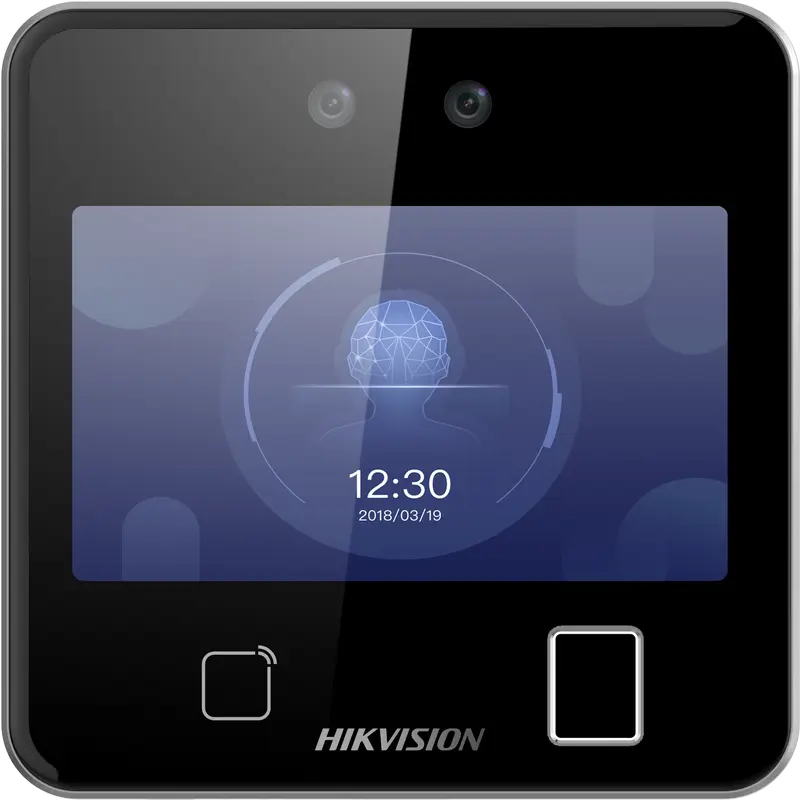
Hikvision
DS-K1T642MFW
Square facial recognition terminal (up to 3 m) with fingerprint, Mifare card and Wi-Fi: for receptions, offices and shops.
- Visage
- Empreinte
- Badge
- QR code
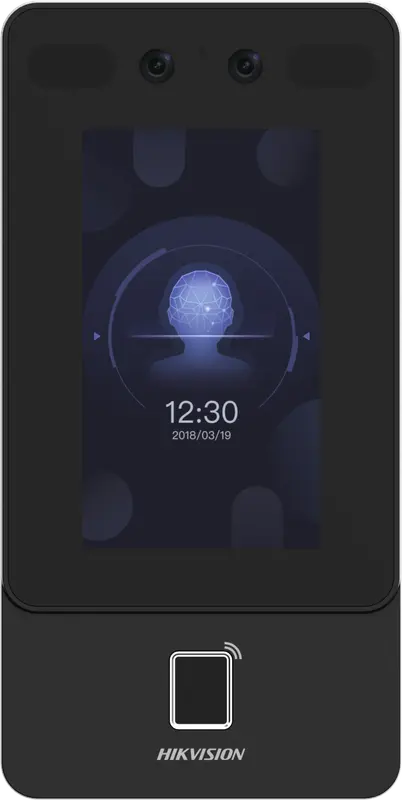
Hikvision
DS-K1T342MFWX
Vertical wall terminal: face (masks included), fingerprint and Mifare card, over Ethernet or Wi-Fi, from -30 °C to 60 °C.
- Visage
- Empreinte
- Badge
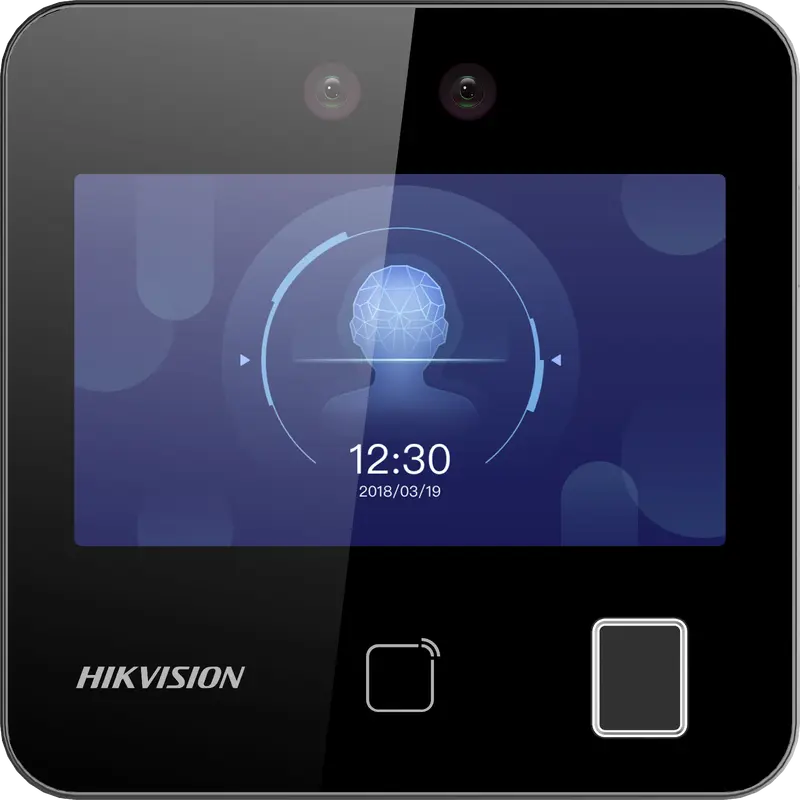
Hikvision
DS-K1T343MFWX
Compact square terminal: face, fingerprint and Mifare card, Ethernet or Wi-Fi. The Hikvision model we have actually connected.
- Visage
- Empreinte
- Badge
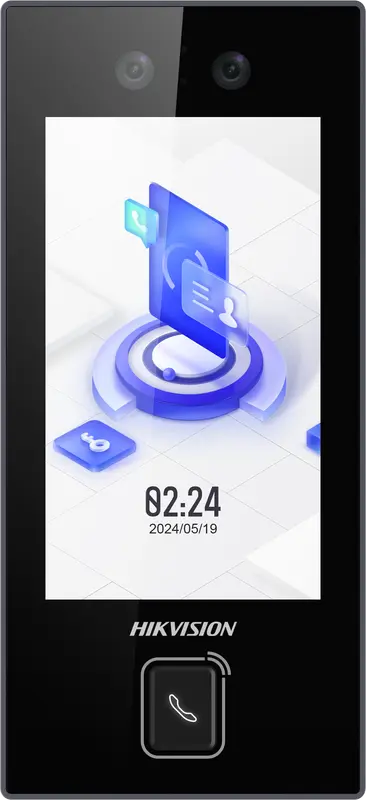
Hikvision
DS-K1T344MX-E1
IP65 PoE-powered face terminal with Mifare card, PIN code and QR code: for exposed entrances, from -30 °C to 60 °C.
- Visage
- Badge
- Code
- QR code
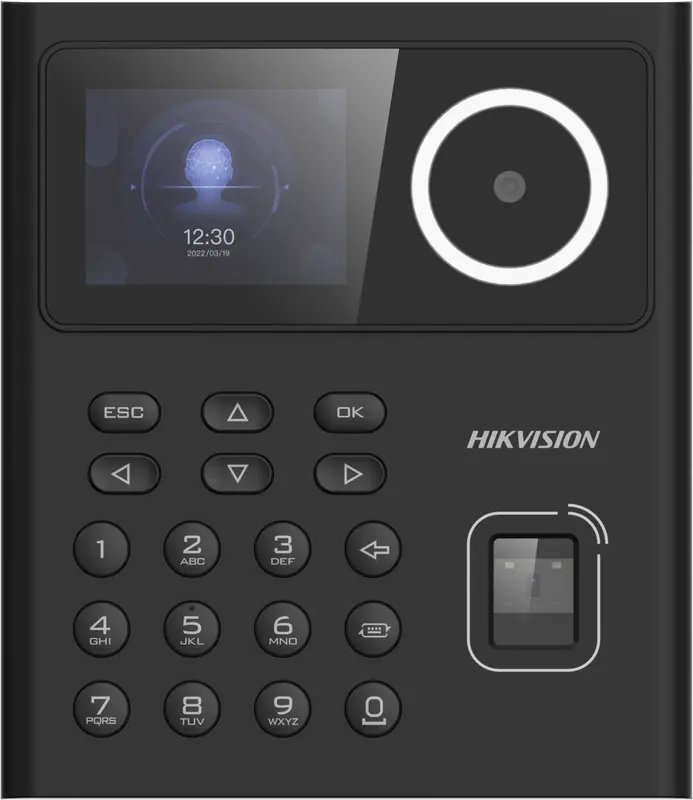
Hikvision
DS-K1T320MFWX
Small entry-level face terminal, 2.4-inch screen, with fingerprint, Mifare card, PIN code and Wi-Fi: for small teams.
- Visage
- Empreinte
- Badge
- Code
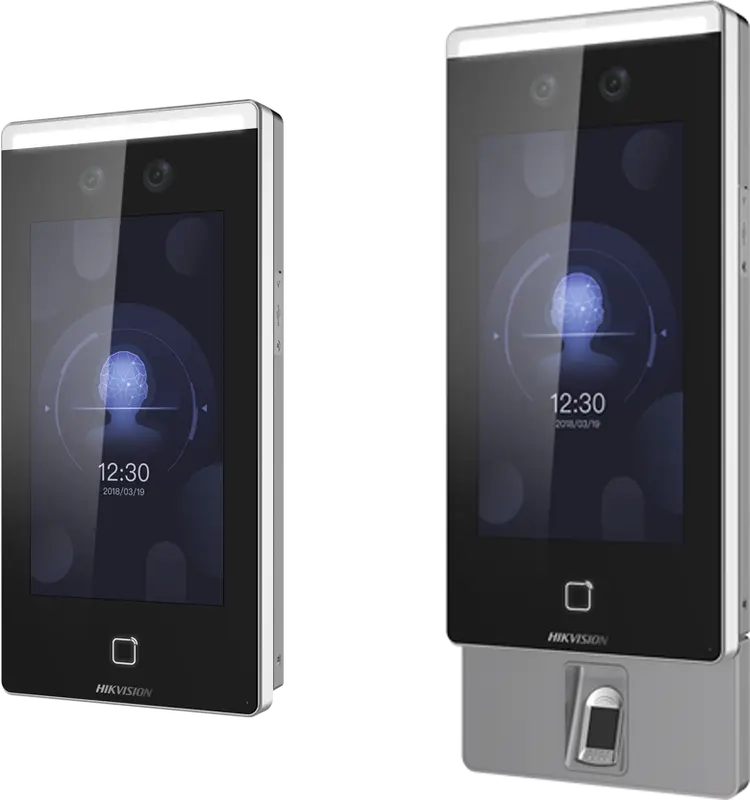
Hikvision
DS-K1T671
Large face terminal with a 7-inch screen, IP65, fingerprint and card: for busy entrances and very cold or hot sites.
- Visage
- Empreinte
- Badge
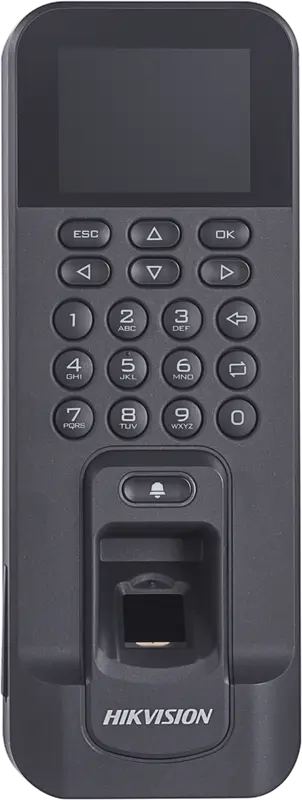
Hikvision
DS-K1T804AMF
Slim fingerprint and Mifare card reader, over Ethernet or Wi-Fi: for an office door or a restricted-access room.
- Empreinte
- Badge
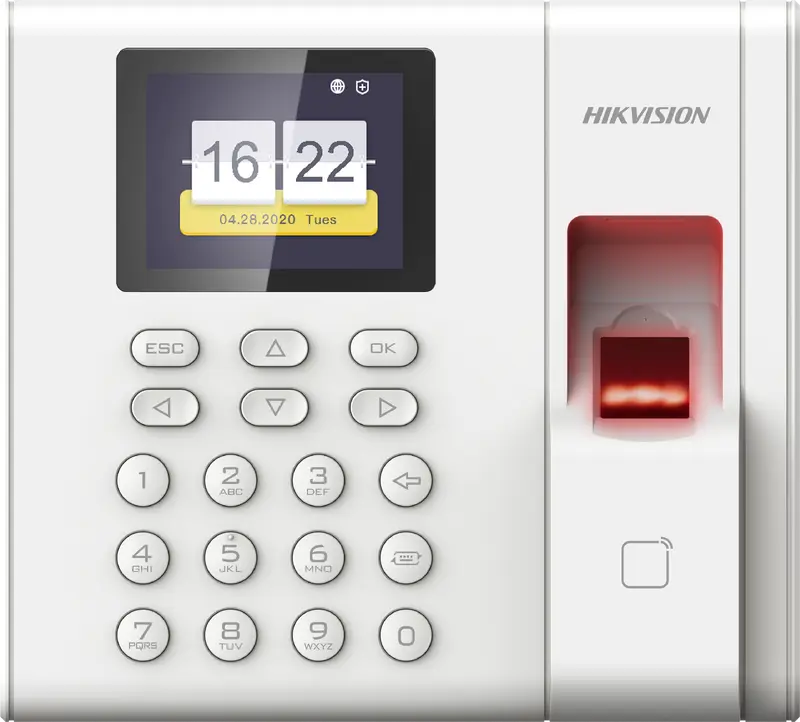
Hikvision
DS-K1A8503EF
Entry-level fingerprint and card time clock built for attendance only: 1,000 employees, USB export, Ethernet network.
- Empreinte
- Badge
Questions fréquentes
Do you need to open a port for a Hikvision time clock?
Not for punches: the time clock sends them itself over HTTPS to TEMPO, so it only needs outbound internet access. To enroll employees remotely and set its time, our servers reach it through a site VPN or a port forward restricted to our addresses.
Where is HTTP Listening on a Hikvision time clock?
In the time clock’s web interface, usually under Configuration, Network, Advanced Settings or Network Service, then HTTP Listening. Enter the host and path of the push address given by TEMPO, port 443, the HTTPS protocol and access control events, then save.
Does TEMPO use Hik-Connect or iVMS-4200?
No. TEMPO receives punches directly from the time clock through HTTP Listening, and calls it via ISAPI for enrollment and time. It needs neither the Hik-Connect cloud nor software installed on a PC on site. You can keep the Hikvision tools for video surveillance.
Do Hikvision punches arrive in real time?
Yes. The time clock sends each successful pass as it happens, and it appears in TEMPO within seconds. Managers can see who is present, absent and late today on each site, without waiting for the end of the day.