How does a badge reader work?
The badge reader reads the unique number of a card or key fob held up to it and records the employee’s punch with the time. The badge only holds that number: no biometric data.
Many facial or fingerprint time clocks also read a badge.
125 kHz or Mifare 13.56 MHz badge: what is the difference?
- 125 kHz (EM or ID card): the long-standing technology, the cheapest.
- 13.56 MHz (Mifare, IC card): harder to copy, also used for access control and the canteen.
A reader only reads its own frequency: order badges that match the time clock’s.
What is the limit of a badge time clock: the lent badge?
A badge can be lent. Pair it with a personal PIN, or with the face or fingerprint on a terminal that accepts combinations: a lent badge is no longer enough.
Inconsistent days show up in attendance anomalies.
When should you prefer badges to biometrics?
- Without biometrics: see the biometric time and attendance and CNDP guide.
- Gloves, helmets, damaged hands: the badge always works.
- Badges already in place for doors or the canteen.
- Temporary and seasonal staff: a badge handed out on arrival, returned on departure.
How does TEMPO manage your employees’ badges?
The badge lives in the employee record; TEMPO keeps it up to date on every time clock.
One badge, one person
A number already assigned is rejected.
Read a badge on a time clock
TEMPO fills the number into the record.
Lost badge
TEMPO removes it from the time clocks as soon as it is deactivated.
One-step replacement
The new badge goes to the same time clocks.
Hours calculated
Each punch is checked against the schedule.
How do you set up a badge reader with TEMPO?
- 1
Choose the technology
Badges matching the frequency of the time clock’s reader.
- 2
Connect the time clock
Add it in TEMPO with its site.
- 3
Assign the badges
Enter the number in the record, or tap the badge on the time clock.
- 4
Send the employees
Their badge goes with them to the time clock.
Badge time clocks compatible with TEMPO
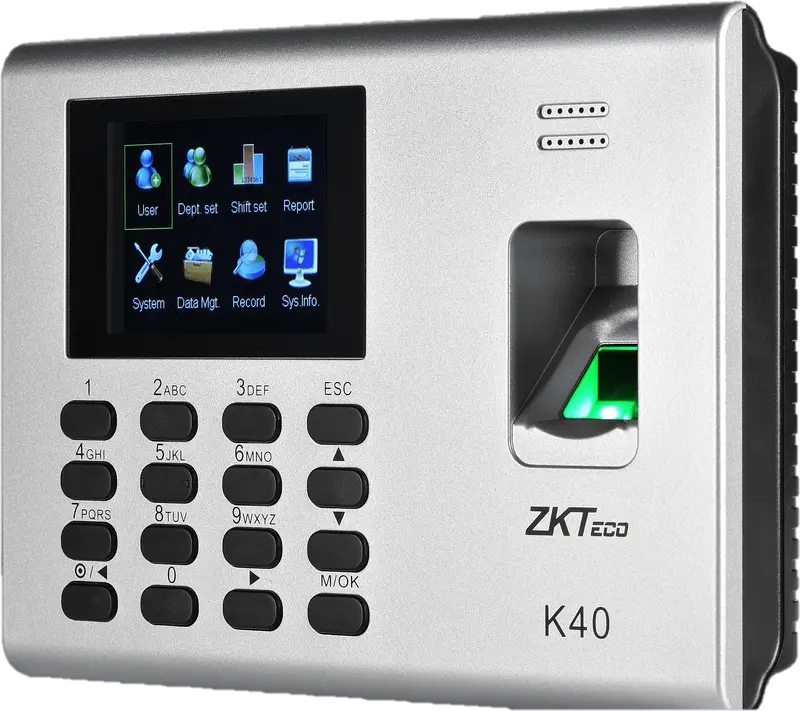
ZKTeco
K40
Entry-level fingerprint time clock with keypad, 2.8-inch screen and built-in battery, for an office, a store or a small workshop.
- Empreinte
- Badge
- Code
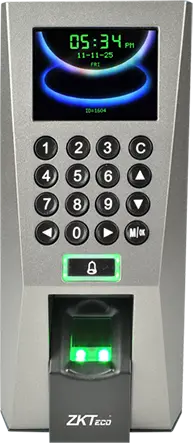
ZKTeco
F18
Wall-mounted fingerprint terminal with keypad, Wiegand and anti-passback, to clock in and control an office or equipment room door.
- Empreinte
- Badge
- Code
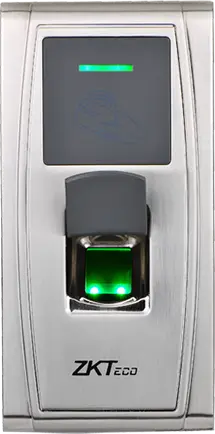
ZKTeco
MA300
Fingerprint and card reader in an IP65 metal housing, no screen, to clock in at an exposed entrance, a gate or a loading dock.
- Empreinte
- Badge
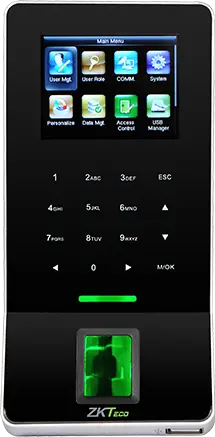
ZKTeco
F22
Slim fingerprint terminal with built-in Wi-Fi, to clock in and control a door where running a network cable is difficult.
- Empreinte
- Badge
- Code
ZKTeco
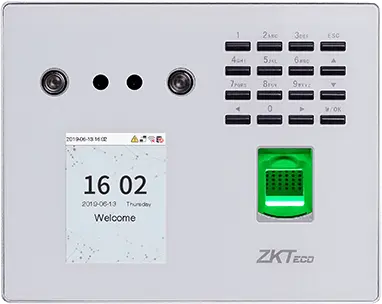
MB560-VL
Visible-light face, fingerprint and keypad time clock, successor to the MB160 and MB360 for office and retail sites.
- Visage
- Empreinte
- Badge
- Code
ZKTeco
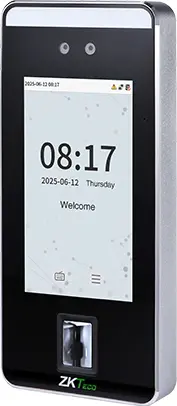
SpeedFace-V5L
Touchless face terminal, 5-inch screen, fingerprint depending on version and optional palm, for a site of several hundred people.
- Visage
- Paume
- Empreinte
- Badge
- Code
ZKTeco
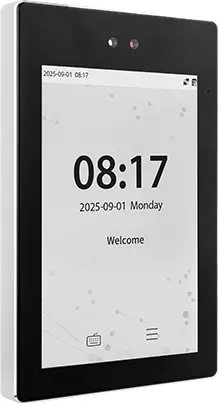
ProFace X
High-end face terminal, 8-inch screen, IP68, -30 to 60 °C, for an outdoor entrance or a site of several thousand people.
- Visage
- Paume
- Badge
- Code
ZKTeco
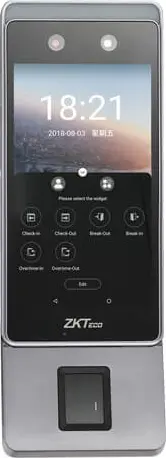
Horus E1
Android face terminal in a phone format, with Wi-Fi, 4G and Bluetooth, for a site with no wired network or a worksite base.
- Visage
- Empreinte
- Badge
ZKTeco
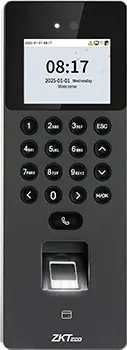
SenseFace 2A
Compact face, fingerprint, card and keypad time clock, for an SME or a branch replacing a fingerprint time clock.
- Visage
- Empreinte
- Badge
- Code
Hikvision
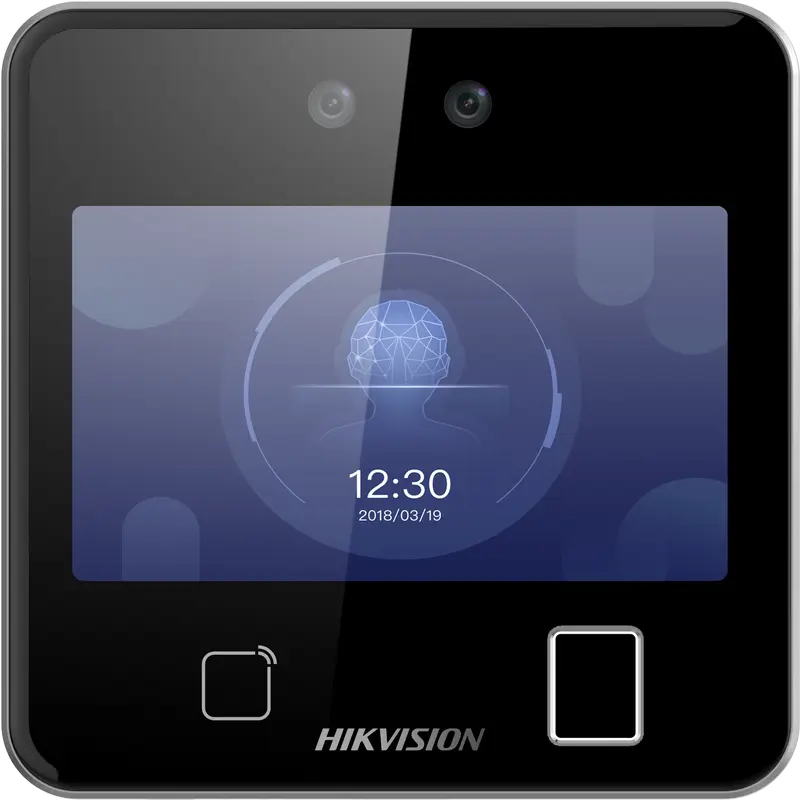
DS-K1T642MFW
Square facial recognition terminal (up to 3 m) with fingerprint, Mifare card and Wi-Fi: for receptions, offices and shops.
- Visage
- Empreinte
- Badge
- QR code
Hikvision
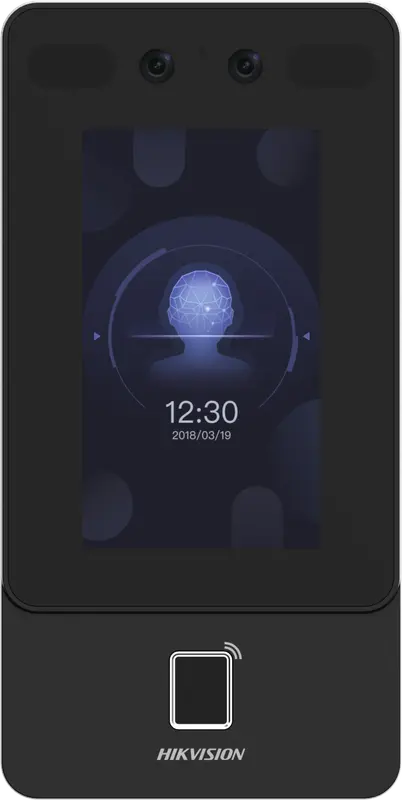
DS-K1T342MFWX
Vertical wall terminal: face (masks included), fingerprint and Mifare card, over Ethernet or Wi-Fi, from -30 °C to 60 °C.
- Visage
- Empreinte
- Badge
Hikvision
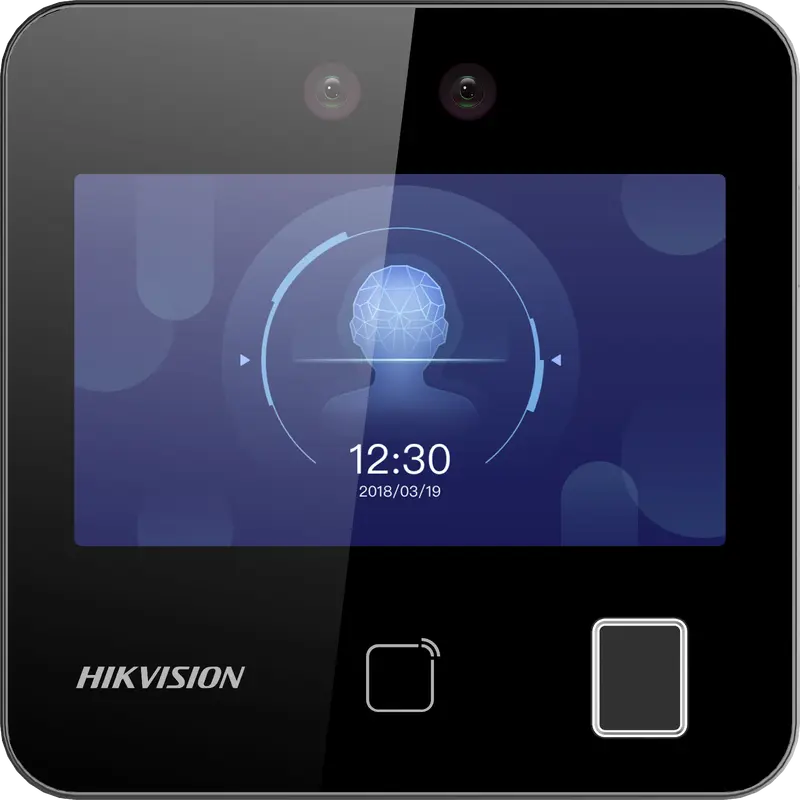
DS-K1T343MFWX
Compact square terminal: face, fingerprint and Mifare card, Ethernet or Wi-Fi. The Hikvision model we have actually connected.
- Visage
- Empreinte
- Badge
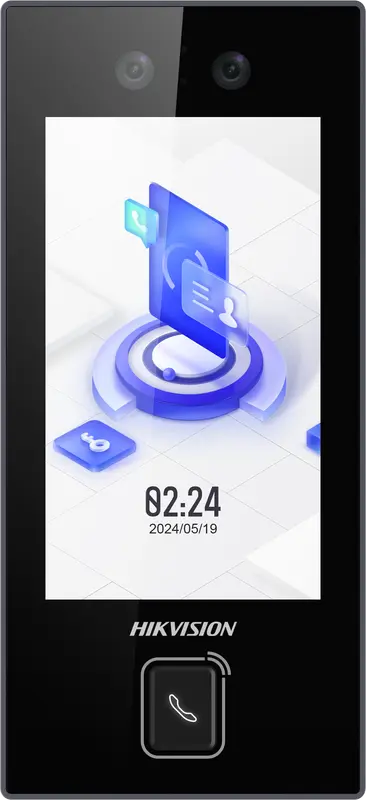
Hikvision
DS-K1T344MX-E1
IP65 PoE-powered face terminal with Mifare card, PIN code and QR code: for exposed entrances, from -30 °C to 60 °C.
- Visage
- Badge
- Code
- QR code
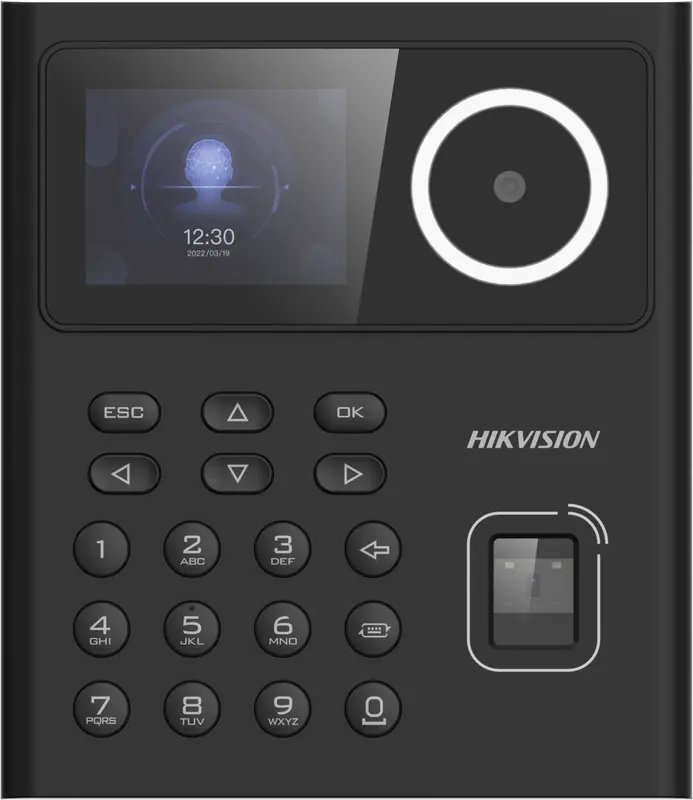
Hikvision
DS-K1T320MFWX
Small entry-level face terminal, 2.4-inch screen, with fingerprint, Mifare card, PIN code and Wi-Fi: for small teams.
- Visage
- Empreinte
- Badge
- Code
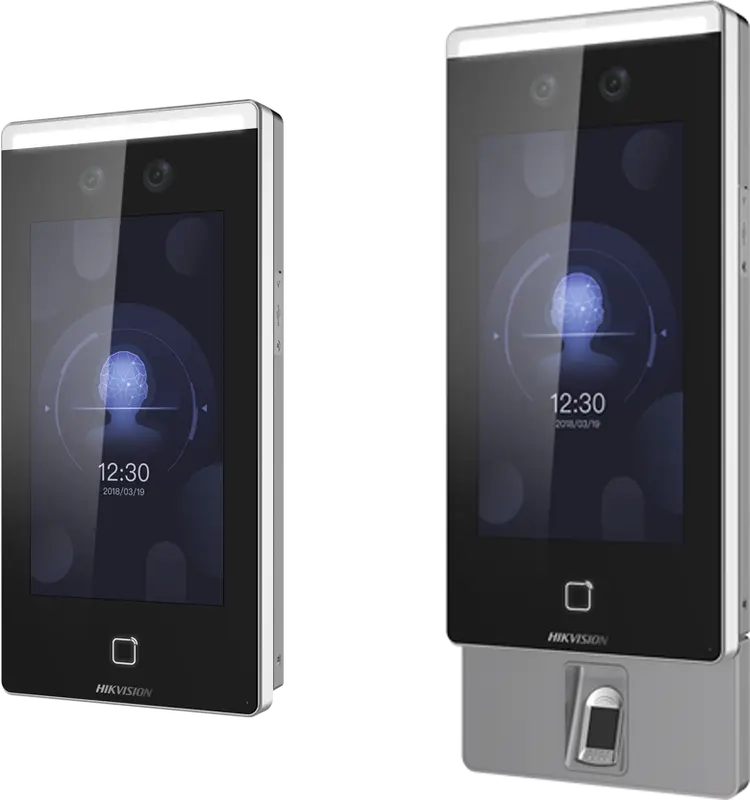
Hikvision
DS-K1T671
Large face terminal with a 7-inch screen, IP65, fingerprint and card: for busy entrances and very cold or hot sites.
- Visage
- Empreinte
- Badge
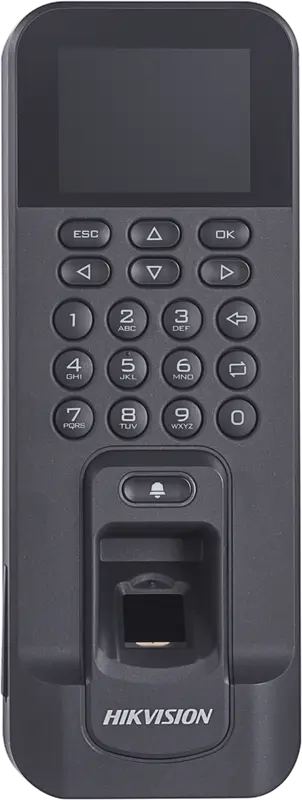
Hikvision
DS-K1T804AMF
Slim fingerprint and Mifare card reader, over Ethernet or Wi-Fi: for an office door or a restricted-access room.
- Empreinte
- Badge
Hikvision
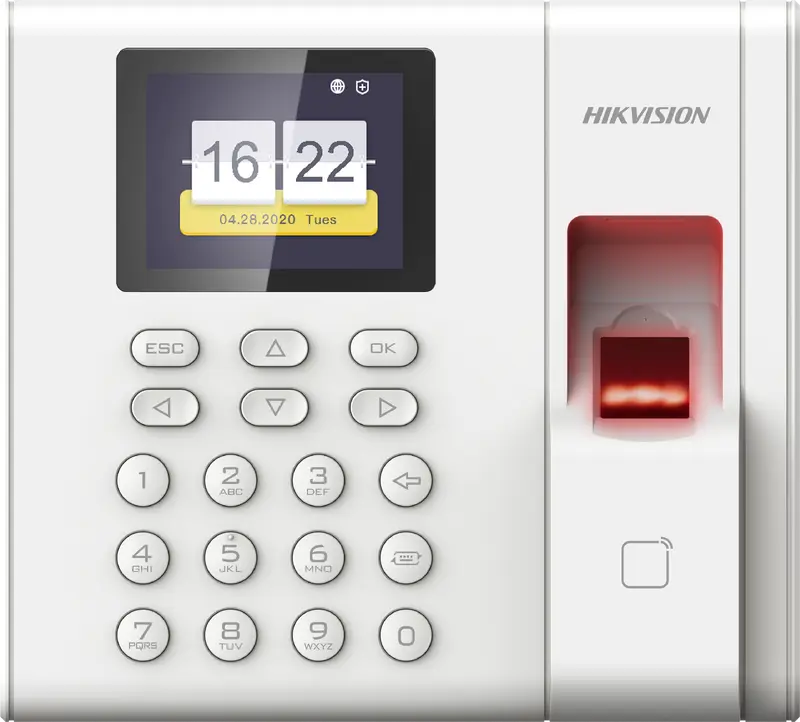
DS-K1A8503EF
Entry-level fingerprint and card time clock built for attendance only: 1,000 employees, USB export, Ethernet network.
- Empreinte
- Badge
 Plus fabriquée
ZKTeco
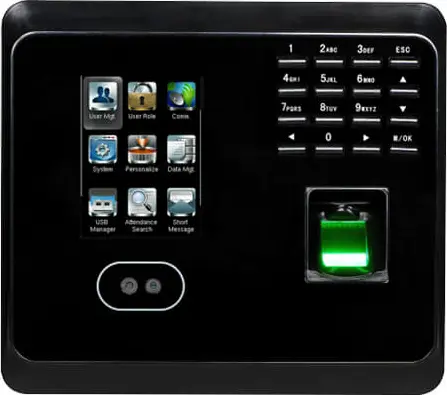
MB360
Face and fingerprint time clock with keypad and optional card, for an office or a store with up to 1,500 enrolled faces.
- Visage
- Empreinte
- Badge
- Code
 Plus fabriquée
ZKTeco
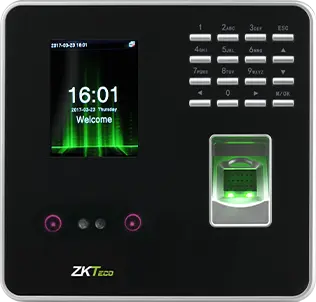
MB20
Small face and fingerprint time clock for a small team: a branch, a practice or a boutique, up to 200 faces.
- Visage
- Empreinte
- Badge
- Code
- Plus fabriquée
ZKTeco
uFace 402
Face and fingerprint time clock with a 4.3-inch touchscreen, for a head office, a factory or a store of several hundred people.
- Visage
- Empreinte
- Badge
- Code
 Plus fabriquée
ZKTeco
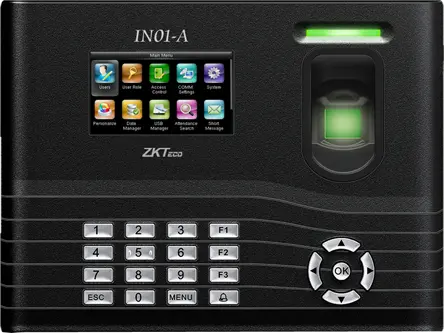
IN01-A
Fingerprint time clock with 3-inch screen, built-in battery and Wiegand, for a site with frequent power cuts.
- Empreinte
- Badge
- Code
- Plus fabriquée
ZKTeco
MB160
Face and fingerprint time clock with keypad, with the same capacities as the MB360, for an office or a shop.
- Visage
- Empreinte
- Badge
- Code
See also
- Face, fingerprint or badge Face, fingerprint or badge: speed, fraud, environment, biometric data. The comparison for choosing your time clock in Morocco.
- Compatibility Is your time clock compatible with TEMPO? Brands, protocols, tested models, what to check, bringing over your data.
- Installation Install a time clock in Morocco: location, number of terminals, network, VPN or restricted port, time and enrollment with TEMPO.
- Time and attendance system Company time and attendance system in Morocco: time clocks or phones, software, calculation rules. How to choose and size it, site by site.
Questions fréquentes
What is a company badge reader?
It is a time clock that identifies the employee by an RFID badge held up to its reader, contact-free. It records the badge number and the time, then the time and attendance software finds the employee and calculates their hours. With TEMPO, each badge is assigned in the employee record and sent to the time clocks automatically.
What is the difference between a 125 kHz badge and a Mifare badge?
They are two different frequencies: 125 kHz for EM or ID badges, 13.56 MHz for Mifare or IC badges. A reader only reads the frequency it was designed for. Mifare is harder to copy and is also used for access control. Check your time clock’s frequency before ordering badges.
How do you stop an employee badging in for a colleague?
Pair the badge with a personal PIN, or with facial recognition or fingerprint on a terminal that accepts combinations. Placing the badge reader in view of a reception desk or a camera also deters it. For sensitive posts, a biometric time clock removes the lent-badge problem.
What should you do when an employee loses their badge?
Deactivate the badge in their record: TEMPO removes it from the time clocks where it was enrolled. Then assign a new badge: it goes to the same time clocks, with nothing to do on site. A number already assigned to another employee is rejected.
Sources
Textes officiels d'où viennent les chiffres de cette page. Les valeurs proposées par le logiciel restent modifiables.